
What Is Website Content Management? CMS Basics Explained
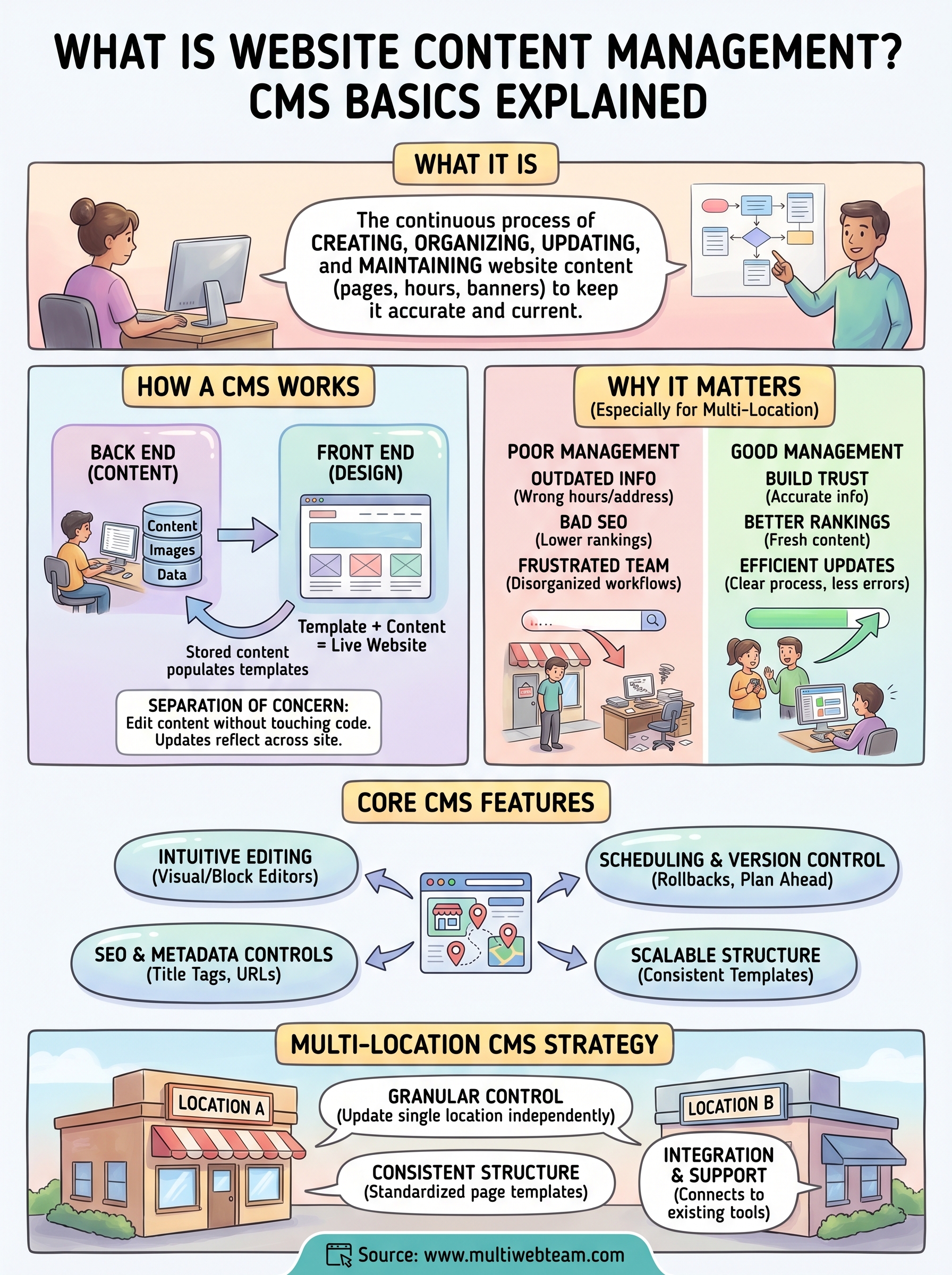
Every page on your website, from service descriptions to location hours to promotional banners, is content that needs to be created, organized, updated, and maintained. That's what website content management is all about. And for businesses running multiple locations, keeping all of that content accurate and current across dozens of pages can turn into a full-time job fast. It's one of the core challenges we solve every day at Multi Web Team for franchise and multi-location clients.
A content management system (CMS) is the tool that makes this work possible without writing code or calling a developer for every small change. But understanding how these systems actually function, and what separates a good setup from a messy one, matters more than most business owners realize. The CMS you use and how you use it directly affects your site's performance, your search visibility, and how quickly your team can make updates when it counts.
This article breaks down CMS basics in plain terms: what content management systems do, how they work, the most popular platforms available, and what to consider when choosing one for a business with multiple locations.
Website content management vs related terms
Several terms in the digital space sound interchangeable but mean very different things. If you've searched for what is website content management , you've likely run into words like CMS, content marketing, and web design within a few clicks of each other. Understanding where each term starts and stops will help you make better decisions about tools, workflows, and who handles what on your team.
Content management vs. a content management system
Website content management is the broader practice: the strategy, process, and ongoing work of creating, organizing, updating, and publishing content on your site. A content management system (CMS) is the software tool you use to carry out that work. Content management is the job. The CMS is the toolbox you use to do it.
You can manage content without a formal CMS by working directly in code or tracking updates in spreadsheets, but that approach doesn't scale. A CMS gives your team a structured interface to handle all content tasks without touching the underlying code. Most modern platforms, including WordPress, Webflow, and Squarespace , fall into this category.
The CMS is only as effective as the content strategy behind it. Without a clear process for who updates what and when, even the best platform becomes disorganized quickly.
Content management vs. content marketing
Content management focuses on the operational side: keeping your website's existing pages accurate, organized, and current. Content marketing is a separate discipline focused on creating new material, like blog posts, guides, or videos, to attract and convert an audience over time.
Both practices share the same tools. Your CMS supports both content management tasks and content marketing publishing. But the goals differ. When a multi-location business updates its store hours or address , that's content management. When it publishes a blog post targeting a local search term , that's content marketing.
Content management vs. digital asset management
Digital asset management (DAM) focuses specifically on storing, organizing, and distributing files like images, videos, logos, and brand documents. A CMS includes basic media storage, but a dedicated DAM system goes further with version control, usage rights tracking, and advanced search across large file libraries.
For most small to mid-sized businesses , a CMS's built-in media library is sufficient. Larger franchise groups managing hundreds of location photos might need a DAM layered on top of their CMS. The two systems serve different purposes, and combining them only makes sense once your asset volume and team size justify the added complexity.
Content management vs. web design
Web design is the process of planning and building your website's visual layout, structure, and user experience. It typically happens once upfront or during periodic redesigns. Content management is the continuous work that follows once the design is live.
Your design sets the template. Content management fills that template with accurate, current information on an ongoing basis. Many business owners conflate the two because they often involve the same tools or the same agency. Treating them as separate workstreams helps you budget, assign responsibility, and plan more accurately for each one.
Why website content management matters
Understanding what is website content management goes beyond knowing the definition. How well you manage your website's content directly determines whether visitors trust your business, whether search engines rank your pages, and whether customers find accurate information when they need it most. For businesses running multiple locations, the stakes increase with every location you add because the volume of content that needs to stay current grows accordingly.
Outdated content creates real business problems
Incorrect hours, wrong addresses, or outdated pricing are not minor inconveniences. They push customers toward competitors. A person who drives to a location that closed early based on your website's listed hours is unlikely to give you a second chance. Accurate, maintained content is a basic expectation visitors bring to every page they land on, and failing to meet it damages trust faster than almost any other mistake your site can make.
Your website is often the first interaction a customer has with your business, and outdated content signals that you don't pay close attention to the details.
Content management directly affects search performance
Search engines like Google evaluate content freshness, accuracy, and relevance when determining how to rank pages in results. When your location pages, service descriptions, or contact details go stale, search engines have less reason to surface your site over a competitor who keeps their content current. This is especially true in local search, where up-to-date business information signals to ranking algorithms that your location is active and reliable.
For multi-location brands, keeping consistent and optimized content across every location page compounds this advantage. Each location page you maintain well is another opportunity to rank in local results. Each neglected page hands that opportunity to a competitor.
Organized content supports your team
Clear content ownership and regular update schedules reduce the confusion that builds up when no one knows who is responsible for making changes. When your team has a defined process, updates happen faster and errors get caught earlier. Disorganized content workflows tend to produce conflicting information across your site, which frustrates visitors and sends mixed signals to search engines trying to understand what your business offers.
How a CMS works behind the scenes
Most people interact with a CMS through its editing interface without thinking about what happens underneath. Understanding the basic mechanics helps you make smarter decisions about how your team uses the system and why some platforms handle multi-location content better than others.
The front end and back end
A CMS separates your website into two distinct layers. The back end is the private interface where you and your team log in, write content, upload images, and publish pages. The front end is what visitors see when they land on your site. Changes you make in the back end get rendered and displayed on the front end, usually instantly or after a short processing step.
This separation is what makes website content management accessible to people without coding skills. You work inside a structured editing environment, and the CMS handles the technical translation from your inputs to a live web page.
The cleaner your back-end structure, the faster your team can make accurate updates without breaking anything on the front end.
How content gets stored and displayed
When you save a page in a CMS, your content gets written to a database rather than hardcoded into a static file. The CMS then pulls that content from the database each time a visitor loads the page. This database-driven approach means you can update content in one place and have it reflect across every page that references it, which is a significant efficiency gain for multi-location sites with shared elements like headers, footers, or contact details.
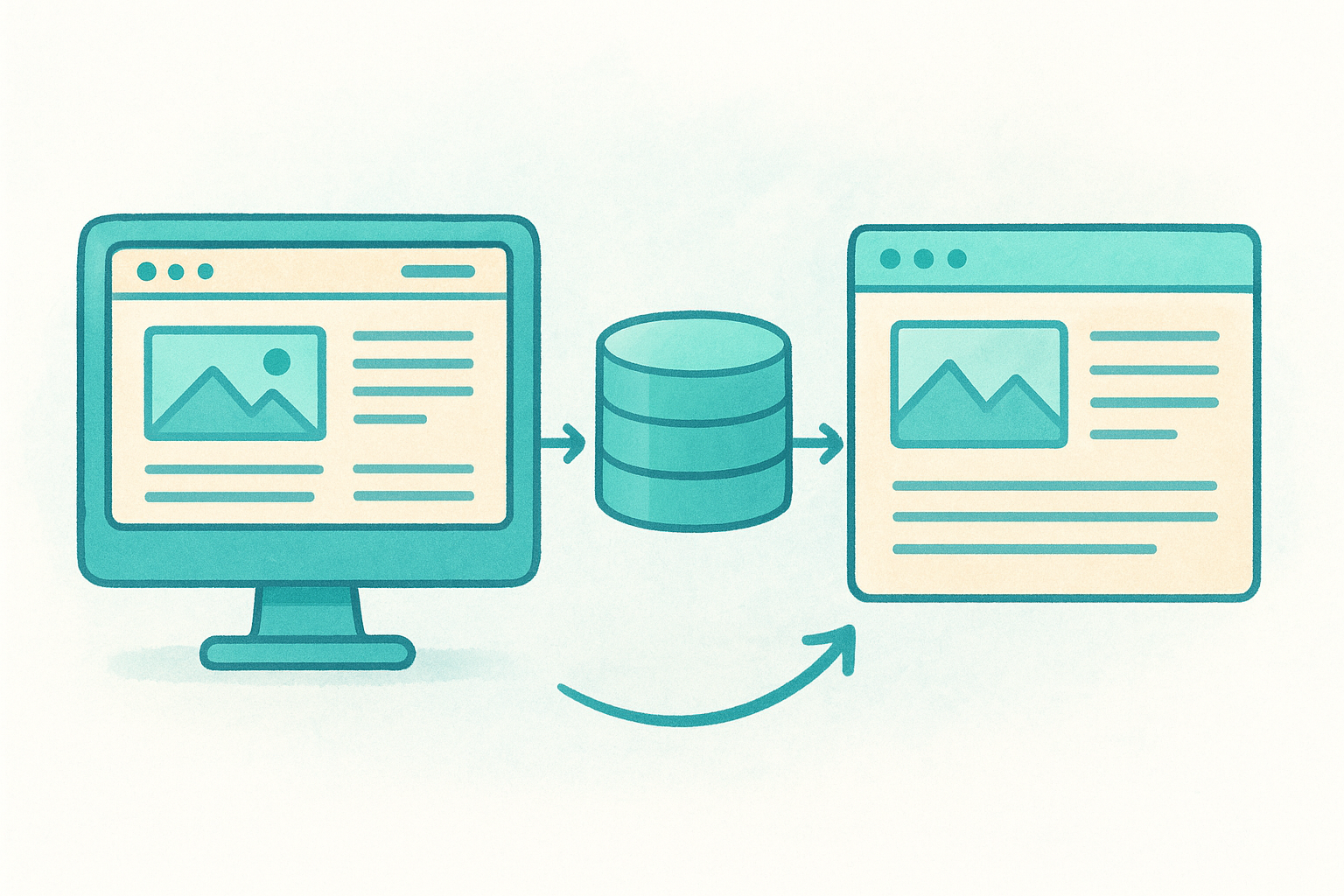
Templates control how that stored content displays. Your design team sets up reusable page templates that define layout, fonts, and structure. Your content team fills those templates with location-specific text, hours, and images without ever touching the design layer beneath.
User roles and permissions
Most CMS platforms let you assign different access levels to different team members. An editor might be able to update page content but not change site-wide settings. An administrator controls everything. Role-based permissions reduce the risk of accidental changes and give you tighter control over who can publish what, which becomes especially important when staff across multiple locations are making updates on a regular basis.
Core CMS features to look for
Not every CMS fits every business, and choosing the wrong platform early creates migration headaches down the road. Part of understanding what is website content management means knowing which features actually solve real operational problems versus which ones just look impressive on a features list. Before you commit to any system, make sure it covers the fundamentals below.
Intuitive editing interface
The editing experience determines how quickly your team can make updates without training or hand-holding. Look for a CMS that lets non-technical staff update text, images, and pages through a visual or block-based editor without writing a single line of code. If your team dreads logging in to make a simple change, updates will get delayed and stale content will follow.
An editor your team avoids using is no better than not having one at all.
Content scheduling and version control
Scheduling tools let you prepare content in advance and set it to publish at a specific date and time, which is valuable for promotions, seasonal changes, or new location launches. Version control keeps a record of every change made to a page, so if an update introduces an error, you can roll back to a previous state without rebuilding from scratch. Both features reduce risk and give your team more flexibility when managing a high volume of updates.
SEO and metadata controls
Every page your CMS publishes should give you direct access to title tags, meta descriptions, and URL structure without requiring a developer. These fields are not optional for businesses trying to rank in local search results. A CMS that buries SEO settings or locks them behind developer access will slow down your ability to optimize individual location pages and respond to changes in how your customers search over time.
Scalable content structure
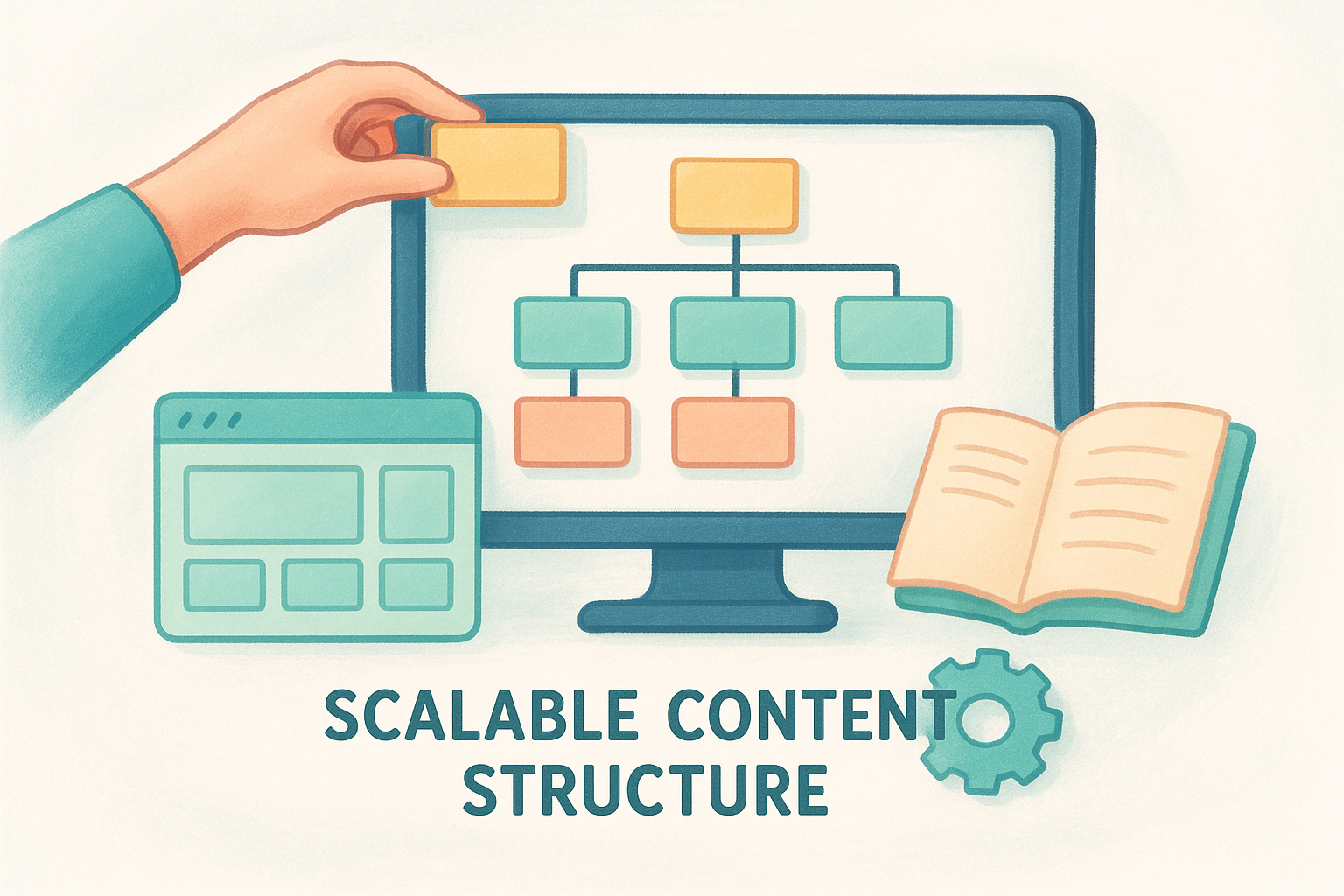
Multi-location businesses need a CMS that can handle a growing number of pages without turning into a disorganized mess. Look for platforms that support structured content types , meaning you can build a standardized template for location pages and replicate it cleanly as your business expands. That consistency keeps your site manageable and makes it far easier to maintain accurate, uniform information across every location you operate.
How to choose a CMS for multi-location brands
Picking a CMS without a clear set of criteria is how businesses end up locked into platforms that don't fit how they actually operate. What is website content management at a multi-location scale comes down to one core question: can the platform handle your volume of location pages without creating a maintenance burden that grows faster than your business does? The right CMS keeps your team efficient and your content accurate as you add locations, not just when you launch the first few.
Prioritize location-specific content control
Multi-location brands need granular control over individual location pages without rebuilding the entire site every time something changes. Look for a CMS that lets you update a single location's hours, address, or promotional content independently from the rest of the site. Platforms that force you to edit each page manually from scratch will slow your team down and increase the chance of errors spreading across your site unnoticed.
Confirming that the CMS supports consistent page structure across all locations is equally important. A standardized location page template means every new location you add follows the same format, which makes SEO optimization far more manageable. When each page follows a predictable pattern, search engines can process your content more reliably, and your team spends less time making formatting decisions on every update.
A CMS that scales cleanly with your location count saves significantly more time and money than one you'll need to replace in two years.
Evaluate integration and support options
The CMS you choose needs to work alongside the other tools your business already uses , including scheduling software, analytics platforms, and local listing management tools. Before committing, check whether the platform offers reliable integrations or APIs that connect to your existing stack. A system that operates in isolation forces your team to duplicate work across multiple platforms, which introduces errors and wastes time you could spend on higher-value tasks.
Consider what support resources and documentation come with the platform. When something breaks or a staff member doesn't know how to complete a task, accessible documentation and responsive support reduce downtime. Platforms with detailed help libraries and active user communities give your team a faster path to solving problems without depending on a developer for every issue that comes up.
Next steps for your website
Now that you understand what is website content management and how the right system shapes your site's performance, the logical next move is evaluating your current setup against what your business actually needs. If you're running multiple locations , ask yourself whether your CMS gives you clean control over individual location pages, keeps your content accurate without requiring a developer, and supports the SEO fundamentals that help each location rank in local search.
Most multi-location businesses reach a point where managing their web presence internally costs more time and money than it saves. Outdated pages, inconsistent information, and slow update cycles tend to build up quietly until they start hurting real results. If that sounds familiar, it's worth looking at a dedicated solution built specifically for businesses like yours. See how Multi Web Team manages websites for multi-location businesses and what an ongoing management partnership actually looks like in practice.










