

June 18, 2026

Why Website Maintenance Is Important: Security, SEO, Speed

You built a website, launched it, and moved on. Months later, you notice slower load times, a drop in search rankings, or worse, a security warning scaring off customers. This is exactly what happens when why website maintenance is important never makes it onto your priority list. A website isn't a one-and-done project. It's a living system that needs regular attention to stay secure, visible, and functional .

For multi-location businesses and franchises, the stakes are even higher. Every location page that loads slowly or runs on outdated software puts that market's online visibility at risk. Multiply that across ten, twenty, or fifty locations, and small maintenance gaps turn into significant revenue problems . That's why at Multi Web Team, ongoing website management is built into everything we do, because we've seen firsthand what happens when maintenance gets pushed to the back burner .

This article breaks down the specific reasons website maintenance matters, covering its impact on security, SEO rankings, site speed, and user experience . Whether you handle maintenance internally or outsource it, you'll walk away with a clear understanding of what's at stake and what consistent upkeep actually looks like in practice.

What website maintenance includes

Website maintenance covers everything you do on a regular basis to keep your site running properly. Software updates , security patches, performance checks, and content refreshes all fall under the same umbrella. Think of it like routine servicing for a vehicle: skip it long enough, and the problems that pile up will cost far more to fix than the upkeep ever would have.

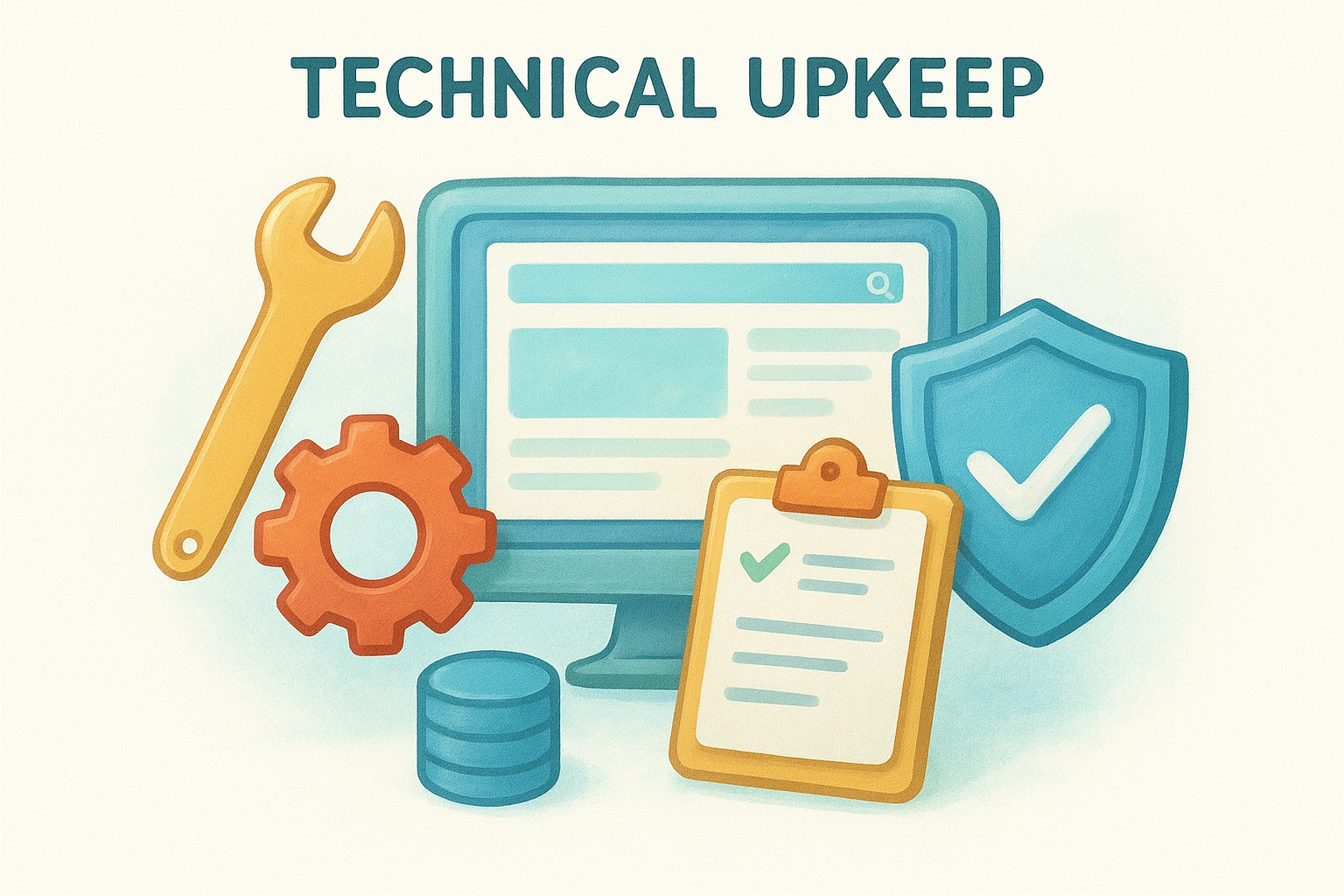
Technical upkeep

The technical side of maintenance includes updating your CMS (like WordPress), plugins, themes, and server configurations to their latest versions. These updates close security vulnerabilities, fix bugs, and keep your site compatible with modern browsers and devices. You should also run regular database cleanups and broken link checks , since both drag down performance over time.

Outdated plugins are one of the most common entry points for website hacks, so keeping software current is a non-negotiable part of site health.

Technical maintenance typically covers:

  • CMS, plugin, and theme updates
  • SSL certificate renewals
  • Broken link detection and fixes
  • Database optimization
  • Uptime monitoring
  • Security scans

Content and performance updates

Recognizing why website maintenance is important also means accounting for the content side. Outdated pages, broken images, and stale promotions send a signal to both visitors and search engines that your site is not being actively managed. For multi-location businesses, this carries serious consequences because each location page needs accurate hours, addresses, and service details to rank in local search and convert nearby customers.

Performance updates tie directly into content health. Page speed audits, image compression, and caching reviews keep your site loading fast across all devices. Slow pages push visitors away before they even see your offer, and search engines factor load speed directly into how they rank your pages. Both sides of maintenance, technical and content, work together to keep your site effective.

Why website maintenance is important

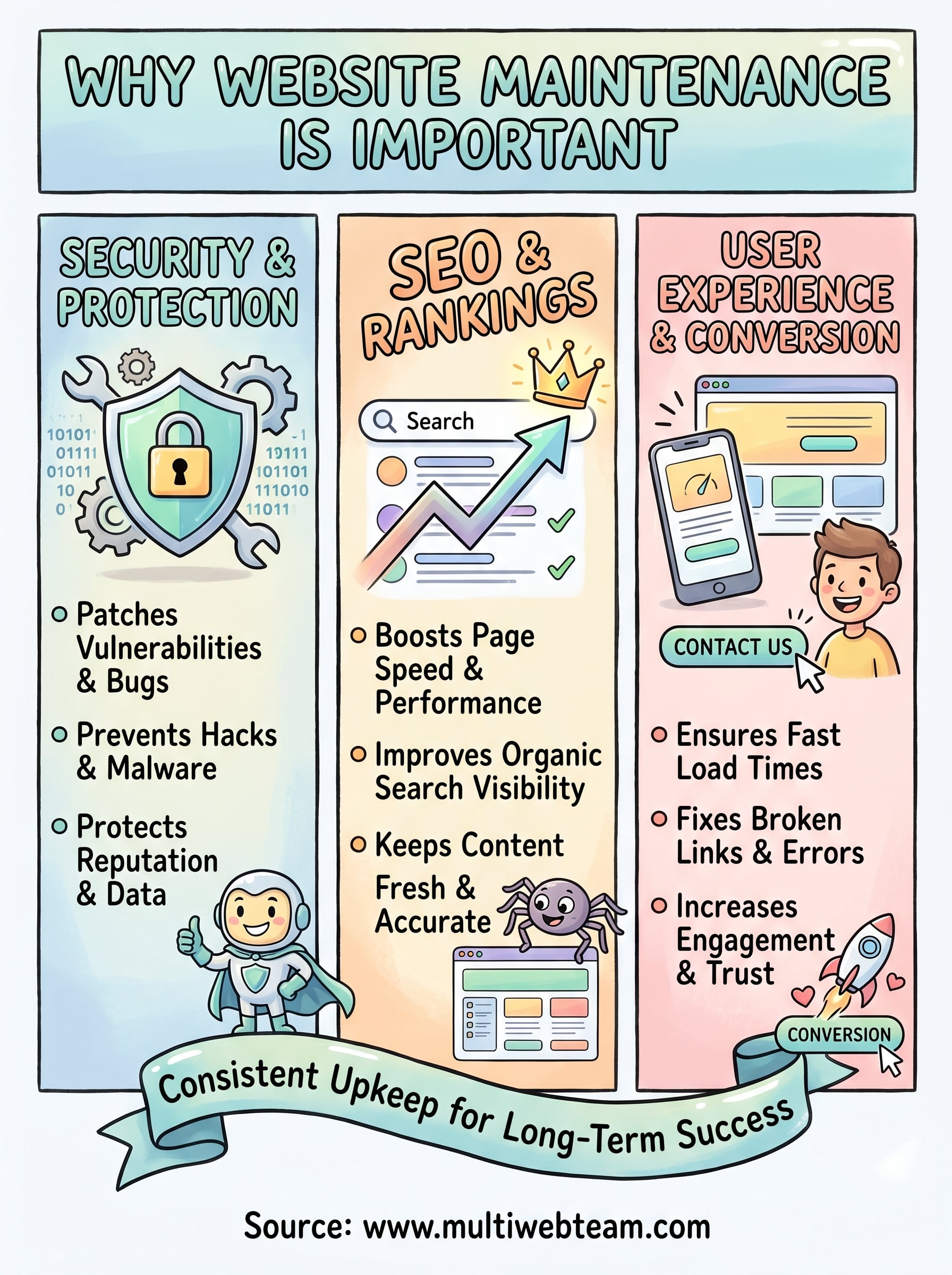
A neglected website costs you in ways that aren't always obvious. Organic traffic drops, customer trust erodes, and security vulnerabilities go unpatched until a problem forces your hand. Understanding why website maintenance is important means recognizing that your site is actively working for or against your business every single day.

Skipping maintenance doesn't pause the risks; it compounds them until fixing problems costs far more than routine upkeep ever would.

It protects your business reputation

Every page a visitor lands on reflects your brand. Broken links, outdated information, and slow load times tell visitors your business is not paying attention. For multi-location businesses, one poorly maintained location page can send customers to a competitor down the street.

Customers form opinions within seconds of landing on a page. A site that looks abandoned or loads slowly gives them no reason to stay, and most won't come back.

It keeps your site performing in search

Search engines do not reward static, ignored websites . Google's ranking systems favor pages that load quickly, stay technically sound, and deliver accurate, updated content. Regular upkeep keeps your site competitive without requiring costly redesigns.

When you skip maintenance, your rankings slip while better-maintained competitors move up . Fixing that damage later takes far more time and budget than consistent upkeep would have required.

Security, backups, and uptime basics

Security is one of the clearest reasons why website maintenance is important . Every outdated plugin, expired SSL certificate, or unpatched CMS version is a door left open for attackers. Hackers target vulnerable software automatically , running scans across millions of sites without waiting for someone to notice a problem.

A single compromised site can get your pages flagged by browsers and removed from search results, cutting off traffic immediately.

Patching vulnerabilities before they cause damage

Keeping your software current is the most direct way to close common attack vectors before they become real threats . When a plugin or CMS releases an update, it typically addresses a known security flaw that attackers are already exploiting. Delaying that update leaves your site exposed for every day it stays unpatched.

Your site also benefits from regular malware scans and firewall rules that catch threats before they cause visible damage . These tools act as a second layer of defense when patches are not yet available for newly discovered vulnerabilities.

Backups and uptime monitoring

Backups give you a clear recovery path when something goes wrong, whether from an attack, a bad update, or a server failure. Store backups off-site and on a consistent schedule so you always have a clean version ready to restore quickly.

Uptime monitoring alerts your team the moment your site goes offline , so you can respond quickly rather than finding out hours later when customers have already moved on .

SEO, speed, and user experience wins

Regular maintenance directly supports your site's performance in search results. Search engines reward pages that load fast, function correctly, and deliver a clean experience to every visitor. When you let maintenance slide, your site loses ground in rankings that competitors are actively working to improve.

Consistent upkeep is one of the most cost-effective ways to protect the organic traffic your site already earns.

How speed affects your rankings

Page speed is a confirmed ranking factor for Google, and slow load times hurt your position in search results before a visitor even sees your content . Maintenance tasks like compressing images , clearing cached data, and removing unnecessary scripts keep your pages loading quickly across all devices. For multi-location businesses, every location page that loads slowly is a local ranking opportunity left on the table.

User experience and conversion rates

Understanding why website maintenance is important means looking beyond rankings to what happens after someone arrives. A fast, error-free site keeps visitors engaged and moves them toward a call, a visit, or a purchase. Broken forms, missing images, and outdated offers push people away before they convert.

Regular content audits, link checks, and layout reviews ensure that every page on your site works the way it should. Visitors who have a smooth experience on your site are far more likely to contact you, return, or recommend your business to others.

Website maintenance checklist by frequency

Knowing why website maintenance is important is only useful if you act on it consistently. Organizing tasks by frequency helps you stay ahead of problems without letting routine work pile up into an overwhelming backlog.

Breaking maintenance into a scheduled routine is the most reliable way to catch small issues before they become expensive repairs.

Monthly tasks

Your monthly checklist covers the items that have the most direct impact on security and performance if left unattended. Running these checks every thirty days keeps your site stable between major reviews.

  • Update CMS, plugins, and themes
  • Run a malware and security scan
  • Check and fix broken links
  • Review page load speed on key pages
  • Confirm all forms and calls-to-action are working
  • Back up your full site and verify the backup

Quarterly and annual tasks

Every quarter, take a broader look at content accuracy and technical health across your site. Update location hours, refresh outdated service descriptions, and audit your internal linking structure to make sure visitors can navigate your pages without friction.

Your annual review goes deeper. Renew your SSL certificate before it expires, audit your full site for outdated pages that should be updated or removed, and review your hosting plan to confirm it still meets your performance needs. These larger checks protect the long-term value your site delivers.

A simple way to keep your site healthy

Understanding why website maintenance is important is the first step, but actually doing it consistently is where most businesses fall short. Between daily operations, staff management, and customer demands, it's easy to let plugin updates, content audits, and page speed checks go untouched for months. By the time the damage shows up in rankings or customer complaints, the cost to fix it far exceeds what regular upkeep would have required .

That's where a dedicated team changes everything. Multi Web Team handles all of it , from security patches and broken link fixes to content updates and local SEO, under a single monthly subscription. You never have to choose between running your business and keeping your site in shape. Every location page stays accurate, fast, and optimized without you needing to track what was last updated or when an SSL certificate expired.

If you're ready to stop letting maintenance slip , see how Multi Web Team keeps your website healthy so you can stay focused on growing your business .

By cinchweb June 18, 2026
Understand the core differences in local seo vs traditional seo. Learn how to rank in Map Packs, drive foot traffic, and choose the right strategy for growth.
By cinchweb June 16, 2026
Boost local search visibility with the 13 best directories to list your business. Learn how to optimize profiles and manage citations to rank higher.
By cinchweb June 15, 2026
Compare 10 top small business website management services to find your best fit. Learn which agencies offer the SEO, security, and pricing model you need.
By cinchweb June 14, 2026
Find the right expert to boost your conversions. Discover the 11 best places to hire a landing page designer in 2026, from freelancers to specialized agencies.
By cinchweb June 14, 2026
Stop losing traffic to NAP errors and thin content. Discover the critical local seo mistakes to avoid to keep your multi-location brand ranking high.
By cinchweb June 12, 2026
Boost site speed and usability with 8 mobile website design tips. Learn to optimize navigation, simplify forms, and drive more conversions on mobile devices.
By cinchweb June 11, 2026
Build patient trust with these 6 healthcare website design tips. Optimize for mobile, ensure HIPAA compliance, and improve accessibility for your practice.
By cinchweb June 11, 2026
Get a clear breakdown of landing page design pricing. Compare market rates, see what drives costs, and learn how to budget for pages that actually convert.
By cinchweb June 11, 2026
Learn how to design a restaurant website that converts. Optimize your mobile layout, menus, and local SEO to turn website visitors into hungry diners.
By cinchweb June 8, 2026
Rank higher in the Map Pack. This local business seo guide shows you how to optimize profiles, fix NAP data, and manage reviews for all your locations.
SHOW MORE








