
May 25, 2026

What Does Website Maintenance Include? A Practical Checklist

Your website launched, the design looks great, and customers are finding you online. But a website isn't a "set it and forget it" asset. Without regular upkeep, even the best-built site starts to break down, slow load times, security vulnerabilities, outdated content , and broken features quietly chip away at your credibility and search rankings. So what does website maintenance include , exactly, and how do you make sure nothing falls through the cracks?

The answer covers more ground than most business owners expect. From software updates and security patches to content refreshes and performance monitoring, maintenance is an ongoing responsibility that demands consistent attention . For multi-location businesses and franchises, the workload multiplies, every location page, every local listing, every promotion needs to stay current across your entire site. That's a lot to manage without a dedicated team handling it .

At Multi Web Team, website maintenance is core to what we do. Our subscription-based model exists specifically because we've seen what happens when businesses treat maintenance as an afterthought. Below, we break down every task that falls under website maintenance into a practical checklist you can use to audit your own site, or to evaluate whether your current provider is actually covering all the bases. We'll walk through security, updates, content, performance, backups, and SEO so you know exactly what "maintained" should look like.

Why website maintenance matters

Most business owners think about websites in terms of design and launch. Once the site is live, it feels finished. But websites are living systems that depend on software, third-party integrations, and constantly shifting security standards. Without regular upkeep , the gap between what your site needs and what it currently has grows wider every week , and the consequences show up as lost rankings, lost customers, and lost trust.

Security threats don't pause

Hackers don't target big companies exclusively. They run automated scripts that scan millions of sites looking for outdated plugins, weak passwords, or unpatched software. If your site runs on a platform like WordPress, known vulnerabilities become exploitable within days of a flaw being published publicly. One successful attack can take your site offline, expose customer data, or result in Google flagging your domain as dangerous, which pulls it from search results entirely.

A site that Google marks as unsafe can lose the majority of its organic traffic overnight, with recovery taking weeks.

Regular security patches , malware scans, and software updates are what stand between your site and those threats. That protection is a foundational part of what does website maintenance include when done correctly.

Performance drops quietly over time

Page speed directly affects your conversion rate. Google uses load time as a ranking signal, so a slow site falls in search results while faster competitors climb. Outdated code, uncompressed images, and accumulated plugins all drag your site's performance down without any single obvious trigger.

Performance isn't a one-time fix you check off after launch. Databases fill up, caches expire, and every new piece of content adds weight to your pages. Without routine monitoring and cleanup , the site you launched at peak speed gradually degrades until visitors are bouncing before they even read your first sentence. Catching that drift early is far easier than recovering from it after rankings have already dropped.

What website maintenance includes

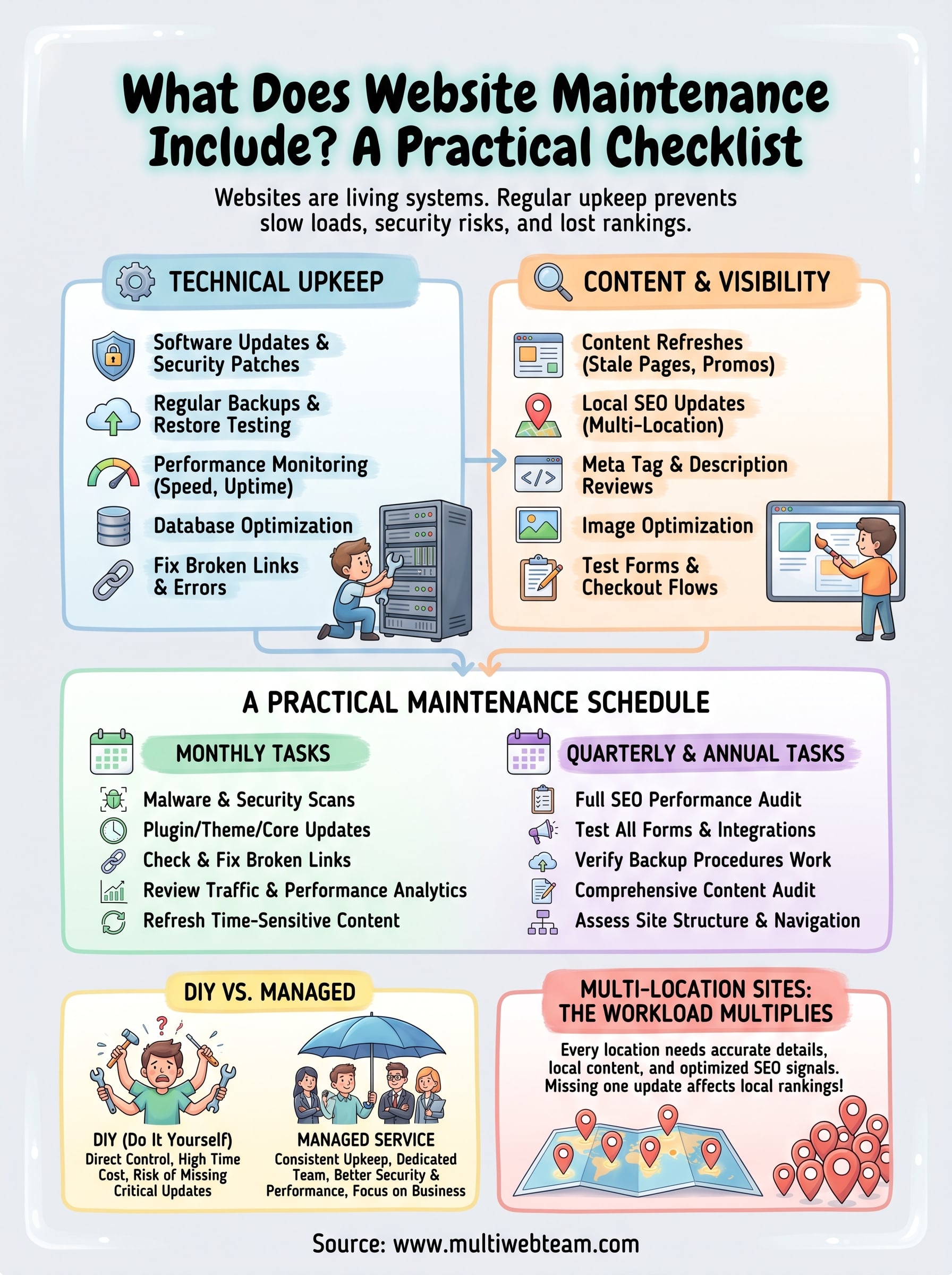
What does website maintenance include when you break it down into actual tasks? The answer falls into two broad categories: technical upkeep and content and visibility work . Both are non-negotiable if you want your site to stay functional, secure, and competitive in search results.

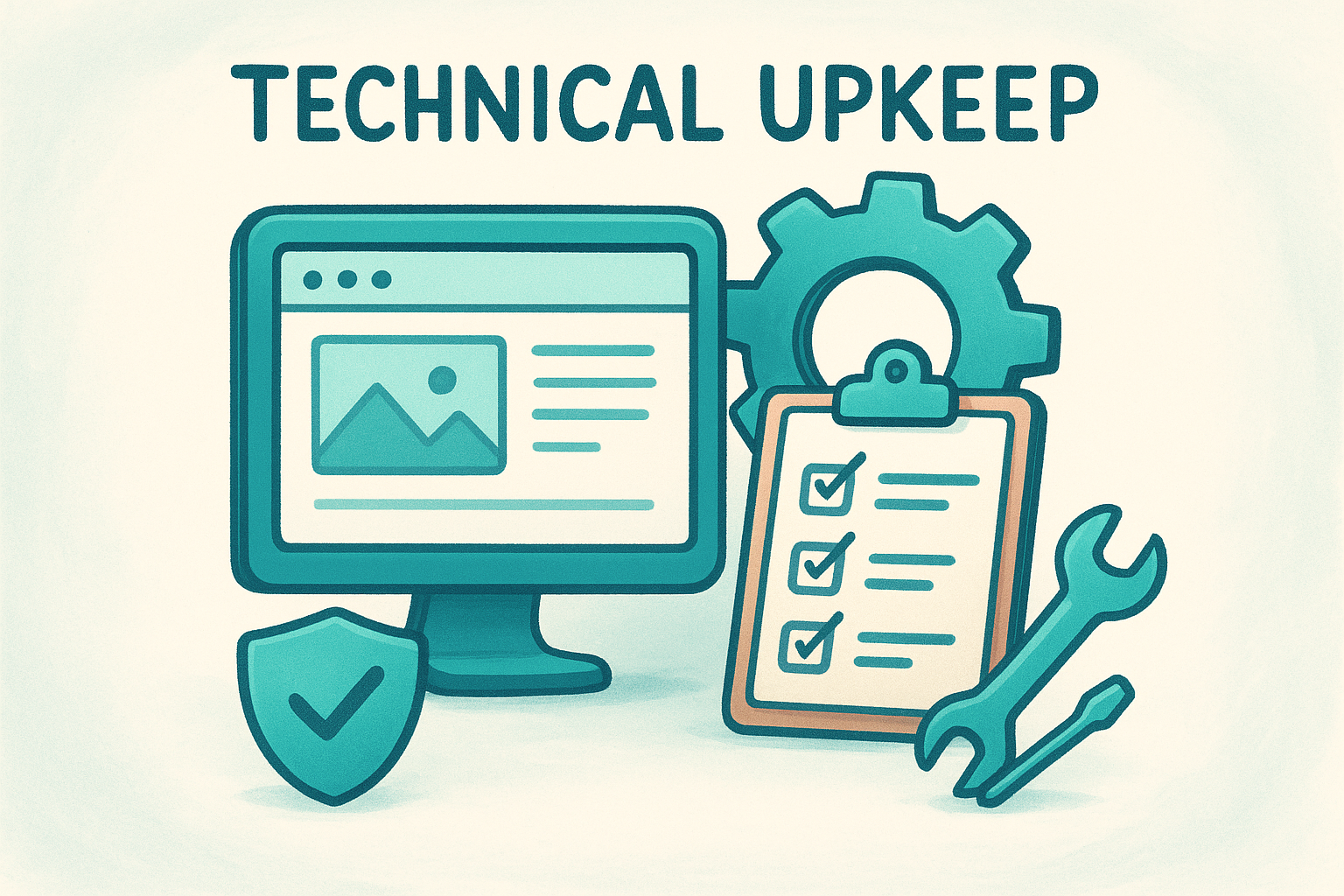
Technical upkeep

Technical maintenance covers the behind-the-scenes work that keeps your site running without issues. This means software updates, security patches, and plugin management , alongside regular database optimization and backups so you can restore your site quickly if something goes wrong.

Skipping even one round of updates can leave your site exposed to vulnerabilities that attackers exploit within days.

Performance monitoring falls here too. You need to track load times, fix broken links, and test forms or checkout flows to catch problems before your customers run into them.

Content and visibility

Your site's content needs consistent attention alongside the technical side. Outdated pages, stale promotions, and incorrect contact details push customers away and signal to search engines that your site is not actively managed. Regular content updates , meta description reviews, and image optimization all contribute to stronger search performance over time.

For multi-location businesses, local SEO elements like location pages and service area details require ongoing updates across every part of your site. Keeping that information accurate is a maintenance task that directly affects whether nearby customers find you before they find a competitor.

A practical maintenance schedule

Understanding what does website maintenance include is one thing; knowing when to do each task is another. Not every maintenance item needs attention every week, but grouping tasks by frequency helps you build a routine that keeps your site healthy without overwhelming your team.

Consistent scheduling is what separates sites that stay competitive from those that quietly fall apart.

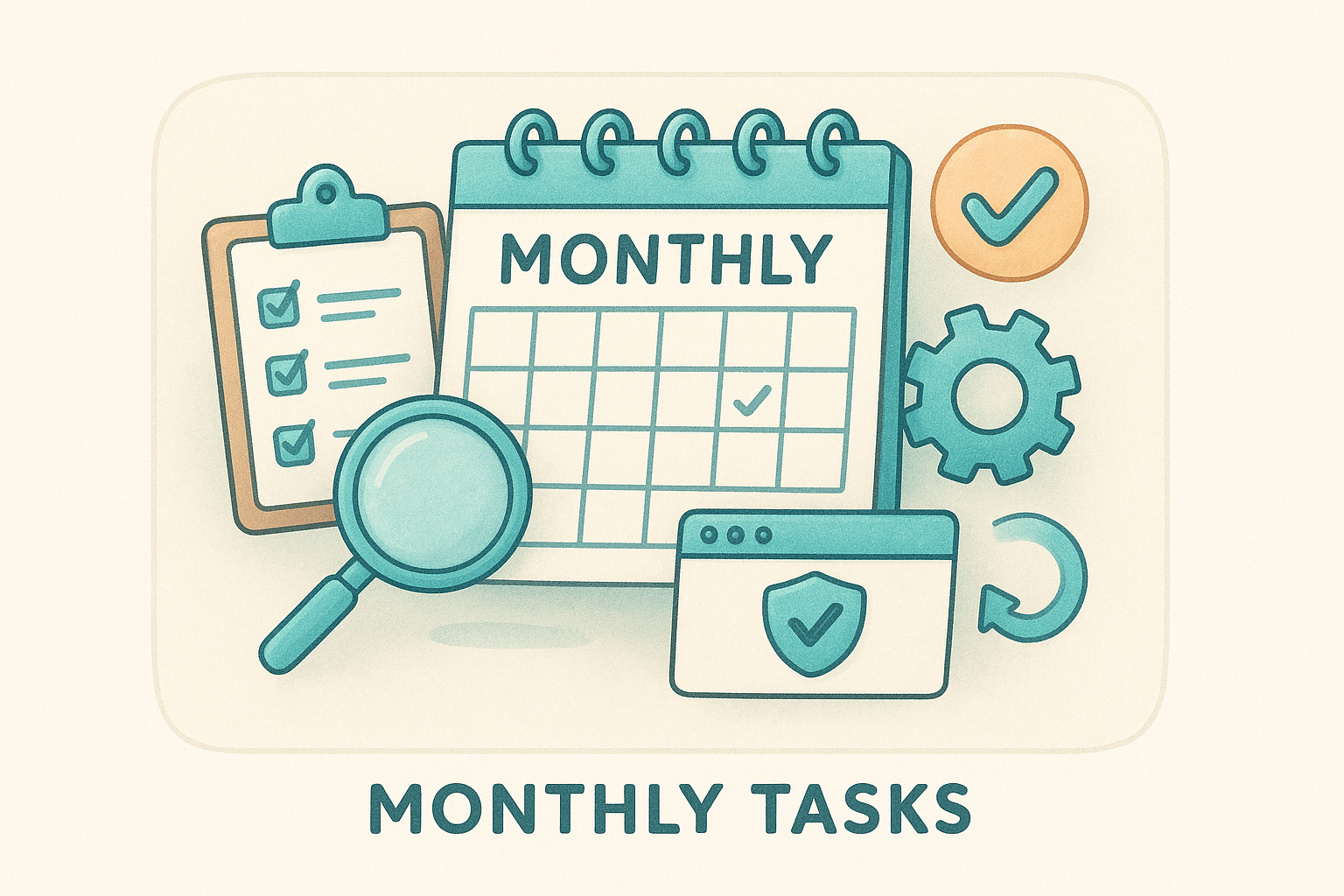
Monthly tasks

Every month, you should run through security scans, software updates, and broken link checks . Review your site's analytics to spot any sudden drops in traffic or page performance that might point to a technical issue. Update any time-sensitive content like promotions, hours, or staff information.

  • Run malware and security scans
  • Apply plugin, theme, and core software updates
  • Check and fix broken links
  • Review page load speeds
  • Refresh promotions or seasonal content

Quarterly and annual tasks

Quarterly reviews are the right time to audit your site's SEO performance, check that all forms and integrations still work, and evaluate whether your content still matches what customers are searching for. Once a year, do a full content audit to identify pages that need updating, consolidating, or removing entirely.

  • Test all contact forms and checkout flows
  • Review meta titles and descriptions
  • Audit location pages for accuracy
  • Verify that backup and restore procedures work correctly
  • Assess overall site structure and navigation

DIY vs managed maintenance services

Once you understand what does website maintenance include , the next decision is who handles it. You have two realistic options: manage it yourself or hand it off to a professional service. Each path comes with real trade-offs, and the right choice depends on your technical skills, available time, and how many locations you're managing.

Doing it yourself

Handling maintenance in-house gives you direct control over every update and change . For small, single-location sites with minimal traffic, a disciplined owner can work through the monthly checklist without much friction. But the time cost adds up fast, and missing even one round of updates can create problems that take far longer to fix than they would have taken to prevent.

Key tasks you'd own entirely on your own:

  • Security scans and plugin updates
  • Content and promotion refreshes
  • Performance monitoring and broken link checks

Using a managed service

A managed maintenance service hands all of that work off to a dedicated team. You get consistent, scheduled upkeep without pulling your attention away from running your business. Providers handle updates, monitoring, backups, and content changes on your behalf.

For businesses managing more than one location, the case for managed maintenance grows stronger with every location you add.

Fewer gaps in maintenance mean fewer security incidents , better site performance, and steadier search rankings over time.

What maintenance looks like for multi-location sites

For a business with multiple locations, what does website maintenance include expands significantly beyond what a single-location site requires. Every location page needs its own accurate details, local content, and SEO signals . Multiply that across five, ten, or twenty locations and the maintenance workload becomes a full-time job in itself.

Letting even one location page go stale can cost you local search rankings for that area while competitors with current information move ahead.

Location-specific updates

Each location on your site carries unique information that changes regularly: hours, phone numbers, promotions, and service availability. Keeping that data accurate across every page requires a systematic update process rather than scattered edits. A missed update on a single location page can send customers to a competitor when they cannot confirm basic details.

  • Verify name, address, and phone consistency across all location pages
  • Update promotions and seasonal offers per location
  • Refresh location-specific photos and staff listings

Local SEO across every location

Local search visibility depends on location pages that stay both current and optimized. Each page needs relevant local keywords, accurate service area descriptions, and structured data that connects your location to nearby searches.

Ongoing attention is required as both search behavior and local competition shift over time. A franchise with ten fully optimized location pages consistently outperforms one where half those pages sit untouched for months.

What to do next

Now that you know what does website maintenance include across every category, the logical next step is to audit where your current site stands. Walk through the checklist in this article and note which tasks are being handled consistently, which ones fall through the cracks, and which ones nobody on your team currently owns. Gaps in that audit point directly to your highest-risk areas , whether that means outdated security, stale location pages, or performance issues that are quietly costing you customers.

If the checklist feels like too much to manage alongside running your business, that's exactly the problem a managed service solves. Multi Web Team handles all of this work for multi-location businesses and franchises under a straightforward subscription model, so your site stays current, secure, and optimized without pulling your attention away from operations. See how Multi Web Team manages your website and what that looks like for your locations.

By cinchweb May 25, 2026
Compare your site to industry benchmarks and learn what is a good website conversion rate for e-commerce, B2B, and multi-location service businesses.
By cinchweb May 25, 2026
Rank every branch with these 10 local seo best practices. Learn to optimize Google Business Profiles, fix NAP data, and build authority in every market.
By cinchweb May 22, 2026
Compare the 11 best web design companies for small business in 2026. Find the right agency for your needs, from subscription models to SEO-focused design.
By cinchweb May 21, 2026
Learn how to vet local seo audit services, what to expect in a professional report, and how to turn technical findings into more store visits and calls.
By cinchweb May 20, 2026
Understand local seo services pricing for 2026. Compare costs for single and multi-location brands, see what’s included, and learn how to set your budget.
By cinchweb May 19, 2026
Learn how to increase website conversion rate with 16 proven tactics. Improve site speed, mobile design, and trust signals to convert more visitors today.
By cinchweb May 18, 2026
Learn the 15 local seo ranking factors that matter in 2026. Discover how to optimize your GBP, build local authority, and improve your search rankings.
By cinchweb May 18, 2026
Master local seo optimization services in 2026. Learn how AI search, neighborhood relevance, and structured data impact your visibility and local rankings.
By cinchweb May 17, 2026
Discover what makes a good landing page in 2026. Learn how to increase conversion rates with 8 proven tips for speed, trust signals, and high-impact CTAs.
By cinchweb May 17, 2026
Compare the 11 best website conversion optimization services of 2026. Find the right agency to handle A/B testing, user research, and revenue growth.
SHOW MORE