

June 11, 2026

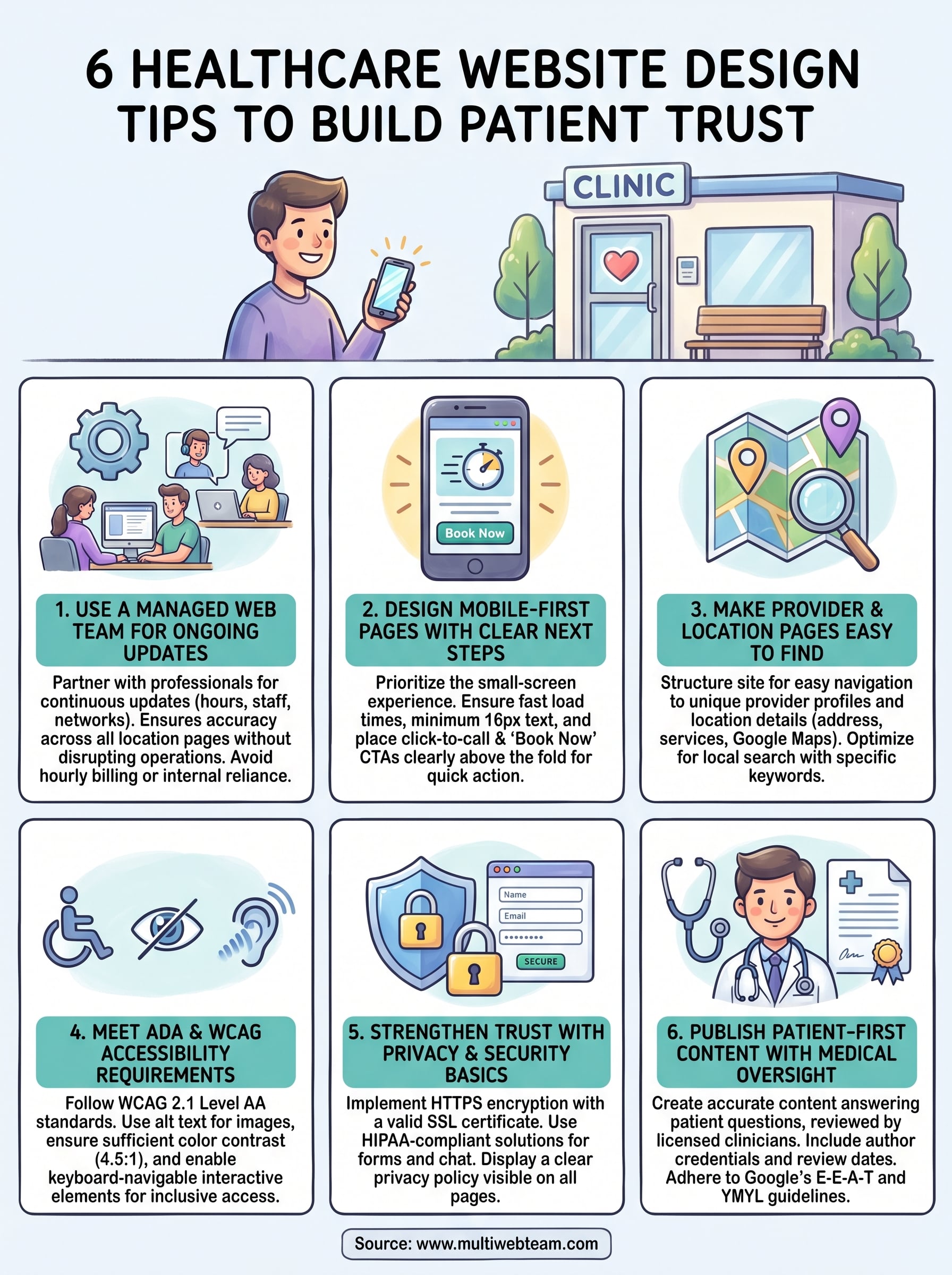
6 Healthcare Website Design Tips to Build Patient Trust

A patient picks up their phone, searches for a nearby clinic, and lands on your website. Within seconds, they're deciding whether to book an appointment or hit the back button . That snap judgment isn't based on your medical credentials or years of experience, it's based on how your website looks and feels. Getting healthcare website design tips right isn't just a branding exercise; it directly affects whether patients trust you enough to walk through your door.

Healthcare is personal. People searching for a provider are often stressed, in pain, or making decisions for someone they love. A clunky layout, outdated visuals, or missing information sends a clear signal: this practice might not have it together. On the other hand, a clean, well-organized site that loads fast and answers questions quickly builds confidence before a patient ever speaks to your front desk. For multi-location practices and healthcare franchises, this challenge multiplies, every location page needs to deliver that same level of trust and professionalism , tailored to its own community.

At Multi Web Team, we build and manage custom websites for multi-location businesses, including healthcare practices that need each location to rank locally and convert visitors into patients. We handle the design, updates, and SEO so your team can focus on care, not code. That hands-on experience is exactly what shaped the six tips we're covering in this article .

Below, you'll find practical, proven design principles that help healthcare websites earn patient trust from the first click . Whether you're launching a new site or reworking an existing one, these tips cover everything from visual credibility cues to compliance and accessibility standards , all with multi-location practices in mind.

1. Use a managed web team for ongoing updates

Your healthcare website is not a one-time project you launch and forget. Patient-facing information changes constantly: new providers join your practice, hours shift, insurance networks update, and seasonal promotions need to go live. Applying the right healthcare website design tips means nothing if the content grows stale the week after launch. Without a dedicated team managing ongoing updates , your site quickly becomes a liability rather than an asset.

What to do

Partner with a managed web team that handles ongoing updates as part of a subscription service rather than billing you hourly for every small change. For multi-location practices, this means having a team that can push updates to individual location pages without disrupting the central site structure. You need a workflow where your staff can submit requests and see them published fast, not wait weeks for a developer to free up.

Why it builds trust

Patients notice when information is wrong. A phone number that goes nowhere or a provider profile listing someone who left your practice six months ago tells visitors that your organization is disorganized. Accurate, current information signals that you take details seriously, and in healthcare, that attention to detail is exactly what patients are looking for.

A site that stays current is a site that patients return to and recommend.

Implementation checklist for multi-location healthcare brands

Use this checklist to build a reliable update process and keep every location page accurate:

  • Assign a point of contact at each location who submits update requests
  • Establish a clear turnaround time for routine changes (48 hours or less is reasonable)
  • Audit each location page quarterly for accuracy: hours, staff bios, services, and contact details
  • Confirm your web team can handle location-specific SEO updates , not just visual changes
  • Set up a review process so published content reflects your practice's standards before it goes live

Pitfalls to avoid

Avoid relying on a single internal employee to manage website updates on top of their other responsibilities. When that person gets busy or leaves, updates stall and errors pile up . Don't sign contracts with web agencies that charge per-change fees either. Those costs add up fast, and they create an incentive to delay fixes rather than publish them promptly.

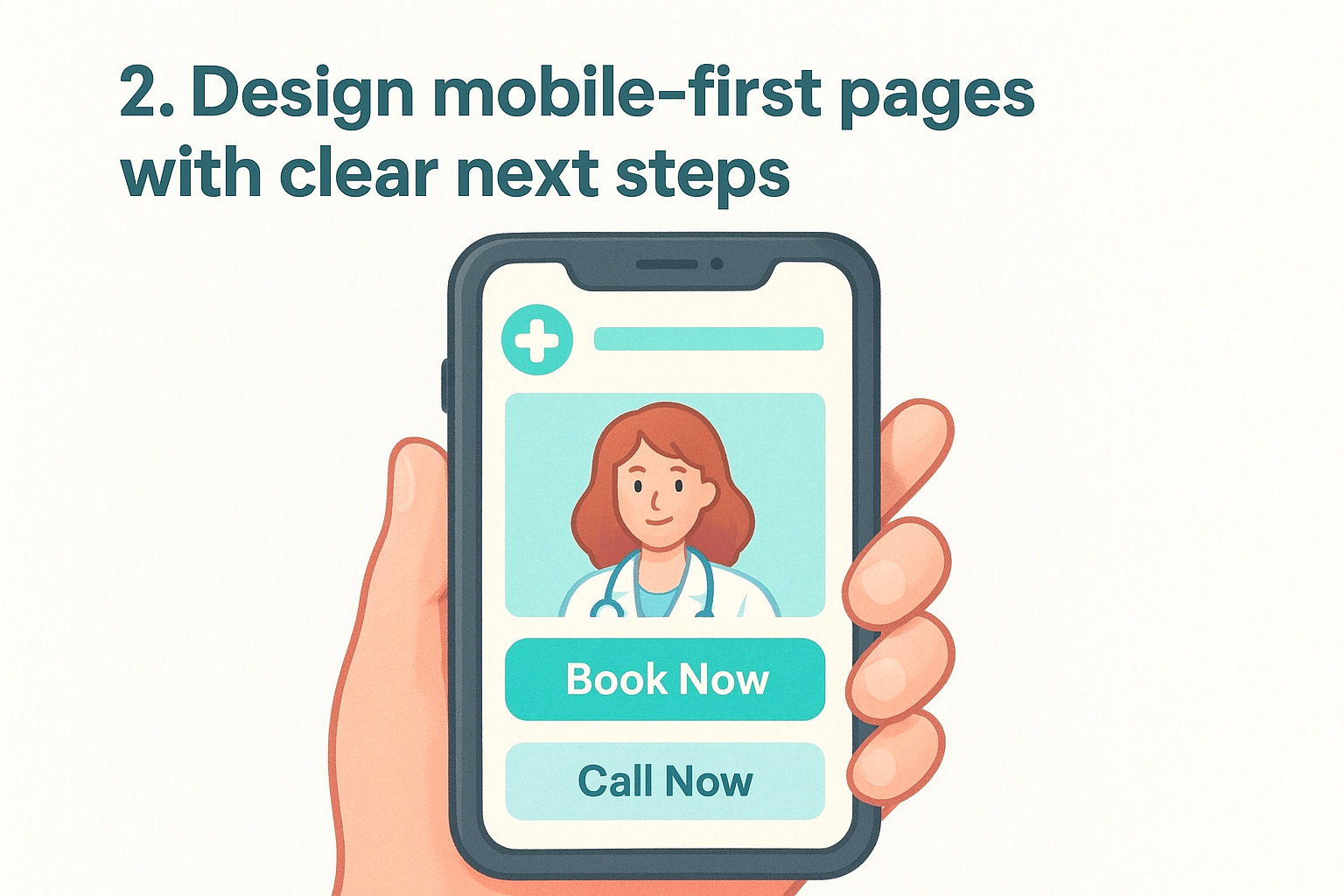
2. Design mobile-first pages with clear next steps

Most patients searching for a healthcare provider do it from their phone , not a desktop. A site that loads slowly or forces visitors to pinch-and-zoom loses those patients before they consider booking. Applying good healthcare website design tips starts with treating mobile as your primary design environment.

What to do

Build every page around a small screen first , then adapt for larger displays. Focus on these core elements to make your mobile layout work:

  • Minimum 16px font size for body text
  • Single-column layout with one clear CTA per page
  • Click-to-call and "Book Now" buttons above the fold

Why it builds trust

When your site works smoothly on a phone, patients build confidence that your practice is just as organized offline. Friction-free navigation signals that you respect their time.

A mobile experience that breaks down signals the same disorganization patients fear from a healthcare provider.

Implementation checklist for navigation, CTAs, and speed

Run this checklist before launch to confirm your mobile experience holds up:

  • Confirm page load time under 3 seconds on mobile
  • Place a click-to-call button in the header on every location page
  • Test all forms on iOS and Android before going live
  • Measure real-world performance with Google's Core Web Vitals

Pitfalls to avoid

Avoid designing your desktop layout first and shrinking it down. That approach breaks navigation menus , hides important content, and pushes your booking CTA below the fold where most mobile users never scroll.

Don't rely on auto-generated mobile views from outdated builders. Those tools rarely produce a fast, accessible experience, and slow load times hurt both patient confidence and search rankings.

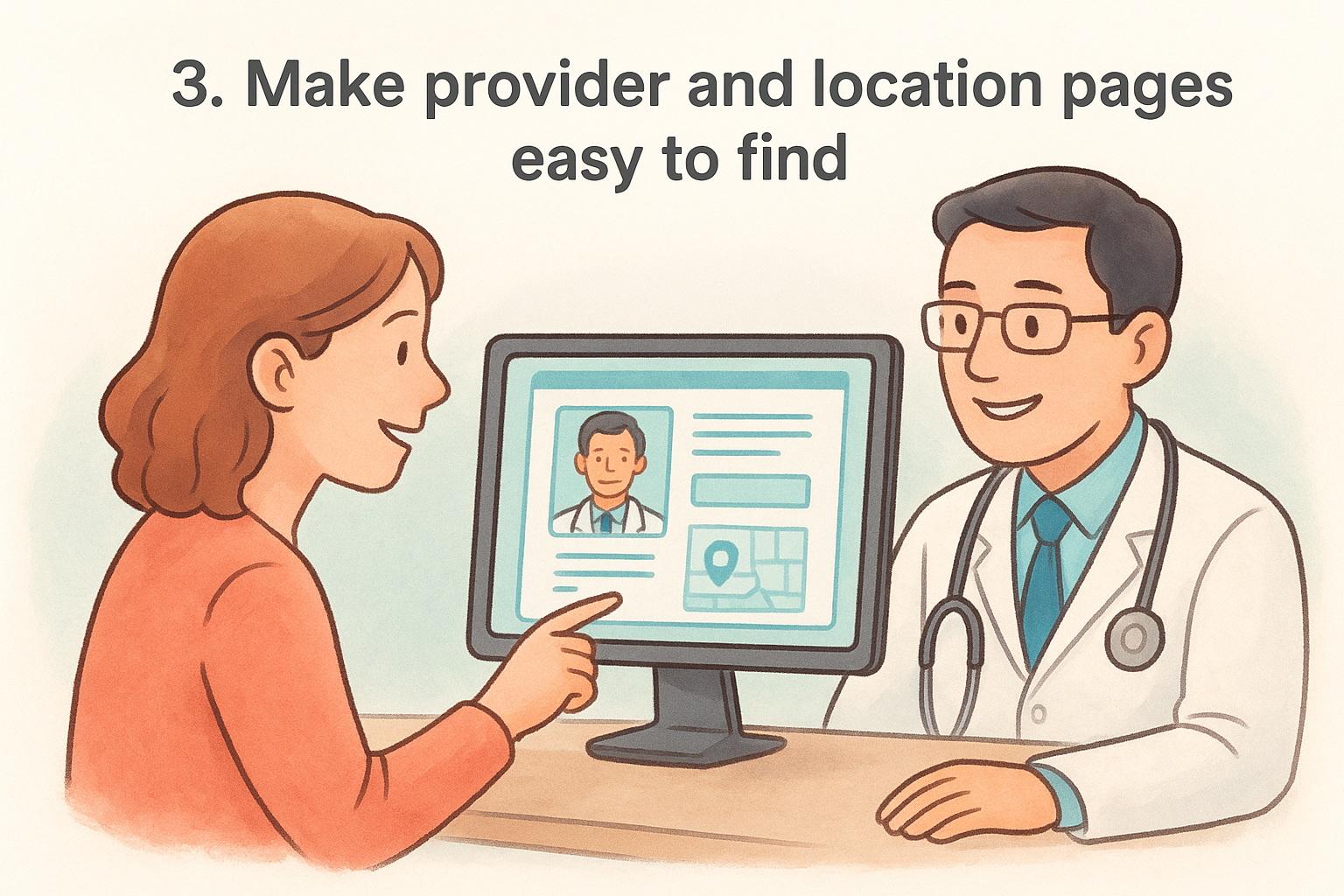
3. Make provider and location pages easy to find

For multi-location practices, buried location pages and hard-to-find provider profiles cost you patients. Someone searching for a nearby clinic or a specific specialist won't dig through nested menus; they'll move to a competitor whose site answers the question in two clicks.

What to do

Structure your site so provider and location pages sit within one or two clicks from the homepage. Each location page needs its own address, hours, phone number, services, and a Google Maps embed . Provider profiles should include credentials, a photo, accepted insurance, and a direct booking link.

Why it builds trust

When patients find complete, accurate information about a provider or location without hunting for it, they trust your practice more. Transparency at the page level builds confidence in your care before the first appointment is ever booked.

Patients who find what they need on your site stay; patients who don't leave and rarely return.

Implementation checklist for find-a-provider and local SEO

Applying solid healthcare website design tips means optimizing each page for local search, since most patients search by city or zip code:

  • Write unique title tags and meta descriptions for each location page
  • Use location-specific keywords in headings and body copy naturally
  • Embed a Google Maps widget on every location page
  • Link all location pages from a dedicated locations hub in your main navigation

Pitfalls to avoid

Avoid copying the same content across every location page and swapping only the city name . Search engines and patients both recognize thin, templated pages. Build each one with location-specific details that reflect the actual providers and services at that site.

4. Meet ADA and WCAG accessibility requirements

Accessibility is a legal requirement and a core design standard your healthcare website cannot ignore. The Americans with Disabilities Act (ADA) and the Web Content Accessibility Guidelines (WCAG) set clear expectations for how public-facing websites should work for users with visual, auditory, motor, or cognitive disabilities. Your patients include people with disabilities, and your site needs to serve all of them.

What to do

Follow WCAG 2.1 Level AA as your baseline. That means text alternatives for images, sufficient color contrast (a minimum 4.5:1 ratio for body text), keyboard-navigable interactive elements, and captions on all video content. Use semantic HTML so screen readers can correctly interpret your page structure.

  • Add descriptive alt text to every image and icon
  • Ensure tab-key navigation flows logically through all forms and menus
  • Caption all embedded video content on provider and location pages

Why it builds trust

When your site works for every visitor, patients with disabilities know your practice values inclusive care from the start. Accessibility builds confidence that your physical locations will be equally welcoming.

A site that serves every patient signals that your practice will, too.

Implementation checklist for accessible design and content

Apply these healthcare website design tips to your next accessibility audit and confirm each item before launch:

  • Run pages through the W3C accessibility checker
  • Confirm color contrast meets the 4.5:1 minimum for all body text
  • Test all forms with keyboard-only navigation

Pitfalls to avoid

Avoid relying on accessibility overlay plugins as a fast fix. These tools rarely achieve full WCAG compliance and can actively interfere with screen readers.

Skipping a structured audit leaves your practice exposed to legal complaints and damages trust with the exact patients who need your care most.

5. Strengthen trust with privacy and security basics

Healthcare websites handle sensitive patient information , and visitors notice the signals that tell them whether your site is safe. When someone submits a contact form, books an appointment, or shares a health concern through your site, they're trusting you with personal health data . Weak security erodes that trust immediately, and in a HIPAA-regulated environment, the consequences go well beyond a lost appointment.

What to do

Start with the basics: every page on your site needs HTTPS encryption , confirmed by a valid SSL certificate. For any form that collects protected health information (PHI) , use a HIPAA-compliant form solution rather than a generic contact plugin. Display a clearly written privacy policy that explains what data you collect, how you store it, and who can access it.

Why it builds trust

Patients look for visible signals before they submit anything online. An SSL padlock in the browser bar and a linked privacy policy tell visitors that your practice takes their information seriously.

Visible security signals reduce hesitation and increase the number of patients who follow through on booking.

Implementation checklist for HIPAA-aware UX and safe integrations

Apply these healthcare website design tips to build a security-aware patient experience :

  • Confirm your SSL certificate is active and set to auto-renew
  • Use only HIPAA-compliant third-party tools for forms, chat, and scheduling
  • Link your privacy policy in the footer of every page

Pitfalls to avoid

Avoid embedding standard generic form tools or basic chat widgets that store patient submissions on non-compliant servers. These tools feel convenient but expose your practice to regulatory risk and signal carelessness to patients who know what to look for.

6. Publish patient-first content with medical oversight

Healthcare content falls squarely into Google's "Your Money or Your Life" (YMYL) category, meaning the bar for accuracy and authority is higher than almost any other industry. Every article, FAQ, and condition page on your site can influence a patient's health decision, so publishing without medical oversight puts both patients and your practice at risk.

What to do

Write content that answers real patient questions clearly, and have a licensed clinician review it before it goes live. Every piece should carry a byline with the author's credentials and a published or reviewed date. Avoid repurposing generic health copy from other websites.

  • List the author's name, title, and credentials on every clinical page
  • Include a "medically reviewed by" line where relevant
  • Update time-sensitive content whenever guidelines or protocols change

Why it builds trust

Patients landing on your content pages are often anxious and looking for someone they can trust. When they see a named, credentialed provider behind the information, they treat your site like a reliable resource rather than a random webpage.

Content written with genuine medical oversight converts readers into patients; generic health copy does the opposite.

Implementation checklist for E-E-A-T and YMYL content

These healthcare website design tips help you meet Google's E-E-A-T standards and build real patient confidence:

  • Add author bio pages linked from every clinical article
  • Review all condition and treatment pages annually for accuracy

Pitfalls to avoid

Avoid publishing AI-generated health content without thorough clinical review. Inaccurate medical information damages patient safety and your practice's credibility, and search engines now actively deprioritize unverified YMYL content.

Next steps

These six healthcare website design tips give you a clear starting point, but the real work is applying them consistently across every location your practice operates. A mobile-first layout , accessible design, compliant forms, and medically reviewed content all reinforce the same message: this practice is organized, trustworthy, and worth booking.

Putting these tips into practice requires ongoing attention, not a single redesign. Provider pages go stale , accessibility gaps appear after routine updates, and new locations need the same level of care as your flagship site. Building a reliable process around each of these areas is what separates practices that retain patients online from those that lose them before the first phone call.

For multi-location practices, managing all of this internally is rarely realistic. If you want a team that handles design, updates, and local SEO under one subscription , see how Multi Web Team works and find out whether it fits your practice.

By cinchweb June 11, 2026
Get a clear breakdown of landing page design pricing. Compare market rates, see what drives costs, and learn how to budget for pages that actually convert.
By cinchweb June 11, 2026
Learn how to design a restaurant website that converts. Optimize your mobile layout, menus, and local SEO to turn website visitors into hungry diners.
By cinchweb June 8, 2026
Rank higher in the Map Pack. This local business seo guide shows you how to optimize profiles, fix NAP data, and manage reviews for all your locations.
By cinchweb June 7, 2026
Win new patients with these 12 medical practice website design tips. Learn to optimize multi-location SEO, mobile speed, and CTAs to grow your practice.
By cinchweb June 6, 2026
Learn how to manage online reviews across all locations. Build a system to monitor feedback, use response templates, and boost your local SEO rankings.
By cinchweb June 6, 2026
What is website conversion optimization? Learn how to turn traffic into revenue using data-driven testing and local tactics to grow your business.
By cinchweb June 4, 2026
Discover how to convert website visitors to customers using these 12 tactics. Learn to optimize site speed, simplify contact forms, and build buyer trust.
By cinchweb June 4, 2026
Convert more visitors with 9 practical tips for web design for small business owners. Learn to optimize for mobile, site speed, and clear navigation.
By cinchweb June 2, 2026
Rank higher in Google Maps with these 10 google business profile best practices. Learn to manage reviews, ensure NAP consistency, and optimize locations.
By cinchweb June 2, 2026
Boost your map rankings with this 15-step local business seo checklist. Learn to optimize profiles, fix NAP data, and drive more traffic to every location.
SHOW MORE








