
How to Get on Google Maps First Page: A Step-by-Step Guide
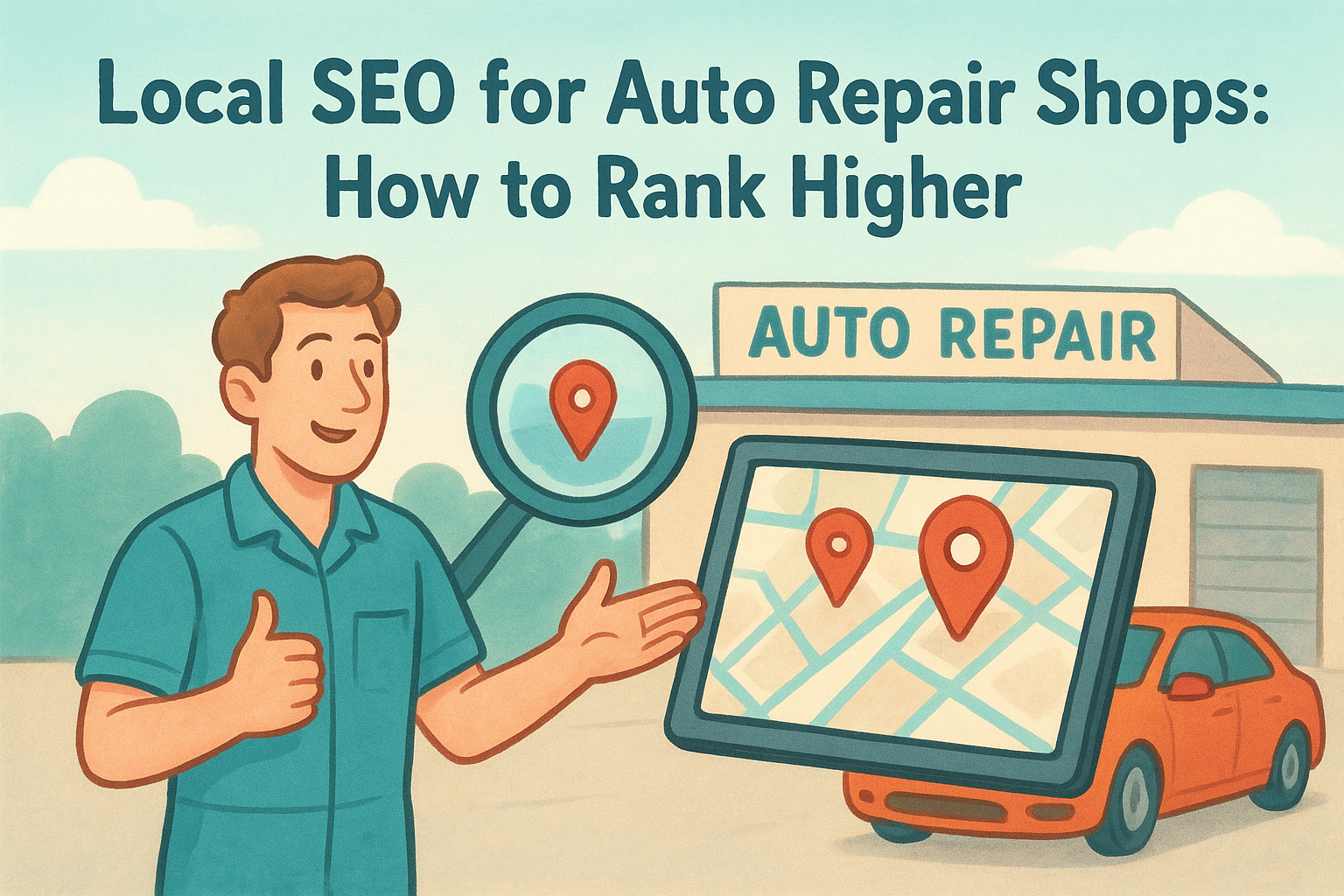
Search for any business type plus a city and Google Maps shows three pin drops before anything else. If your location isn't one of them, you're losing customers to competitors who show up first, even if their food, service, or prices are worse than yours. Learning how to get on google maps first page isn't luck. It's a specific set of steps tied to your Google Business Profile, your reviews, and your local signals.
This guide answers the question directly: what actually moves a listing from page two to the map pack at the top of local search. You'll learn how to claim and verify your profile correctly, choose categories that match what people search for, and build the review volume and consistency that Google rewards. No filler, no guesswork, just the exact process that gets listings ranked.
We wrote this with multi-location businesses in mind, since ranking one location is different from ranking five or fifty without duplicating work. Whether you run a single storefront or manage a franchise network , the steps below apply, and we'll flag where multi-location owners need to adjust the approach.
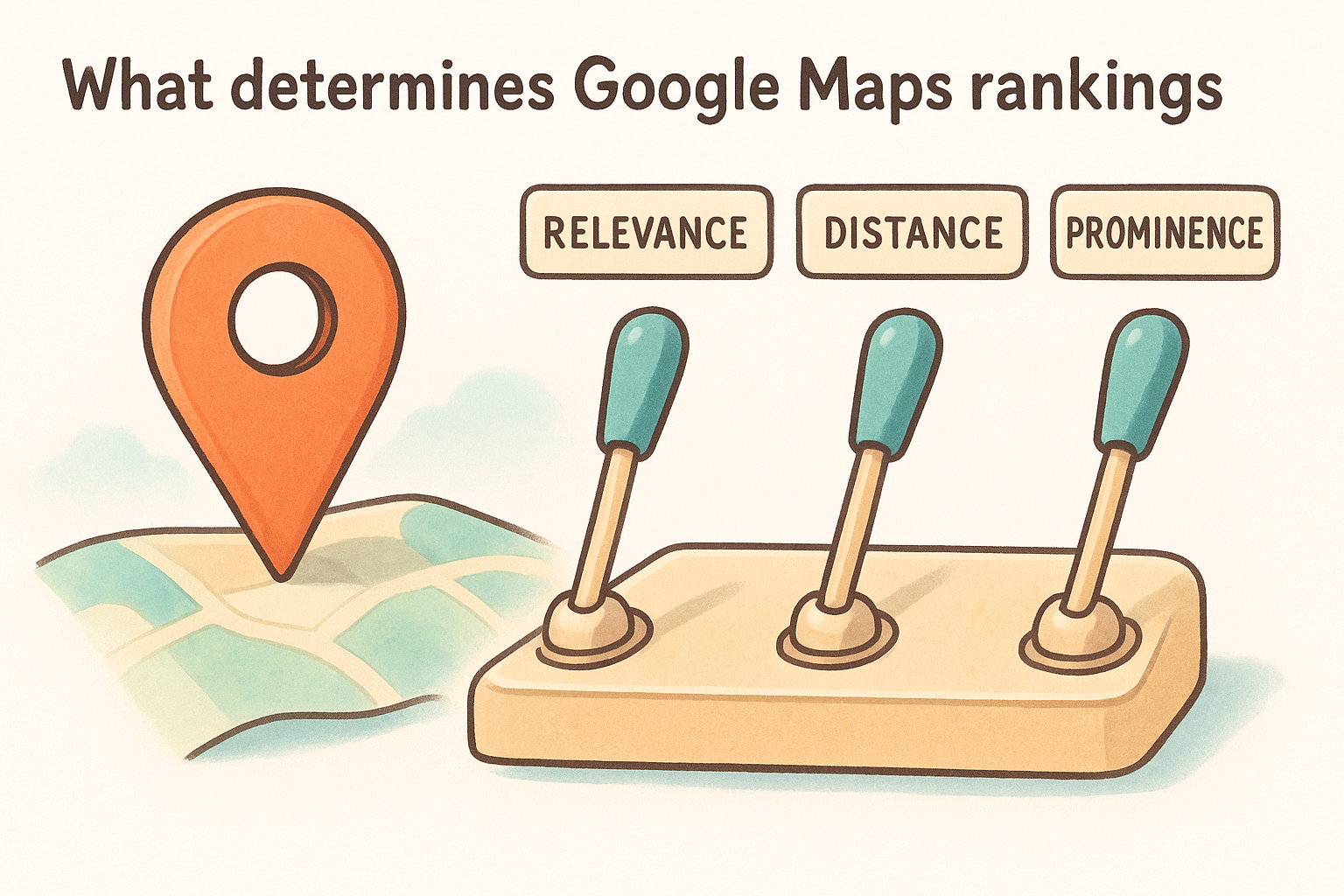
What determines Google Maps rankings
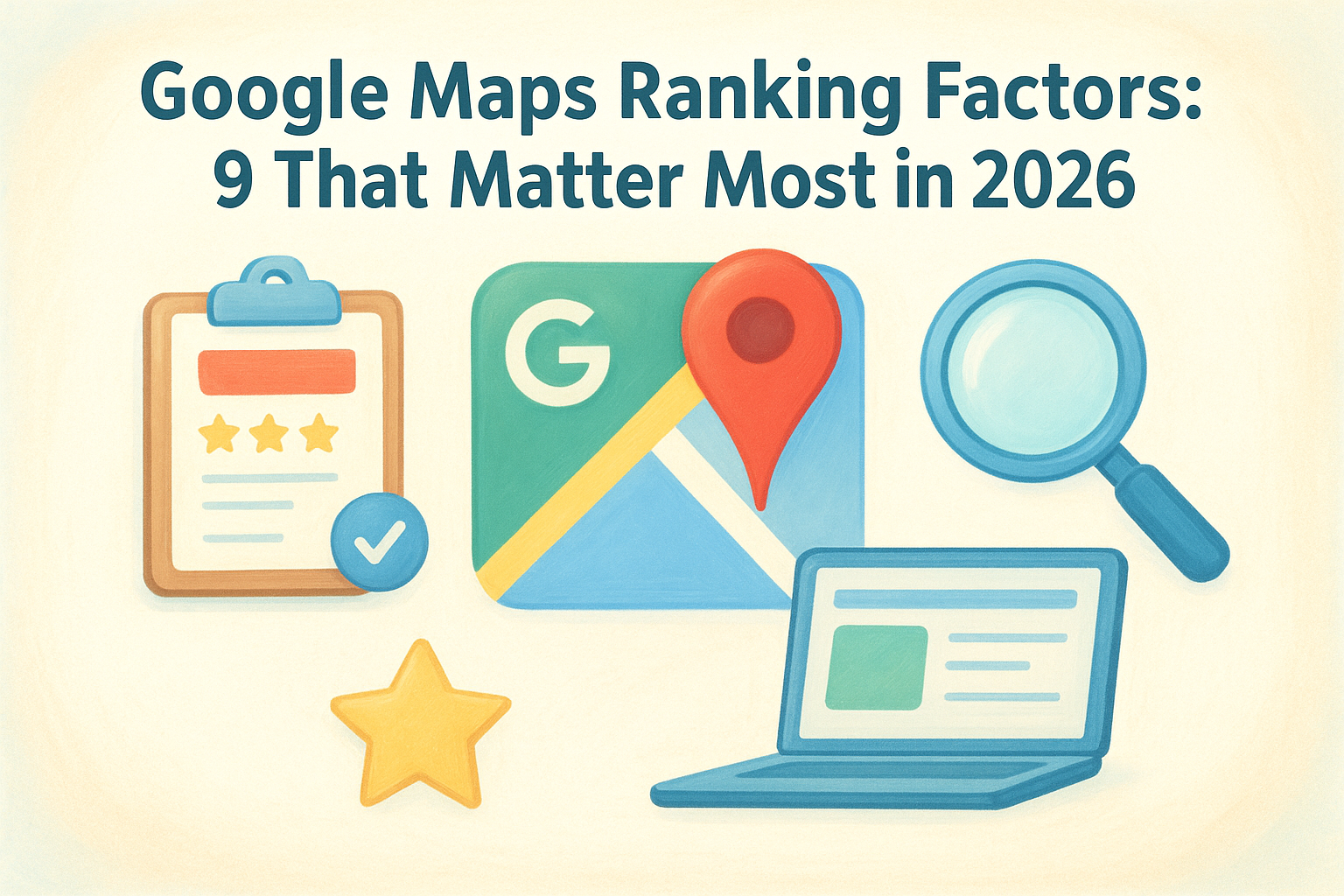
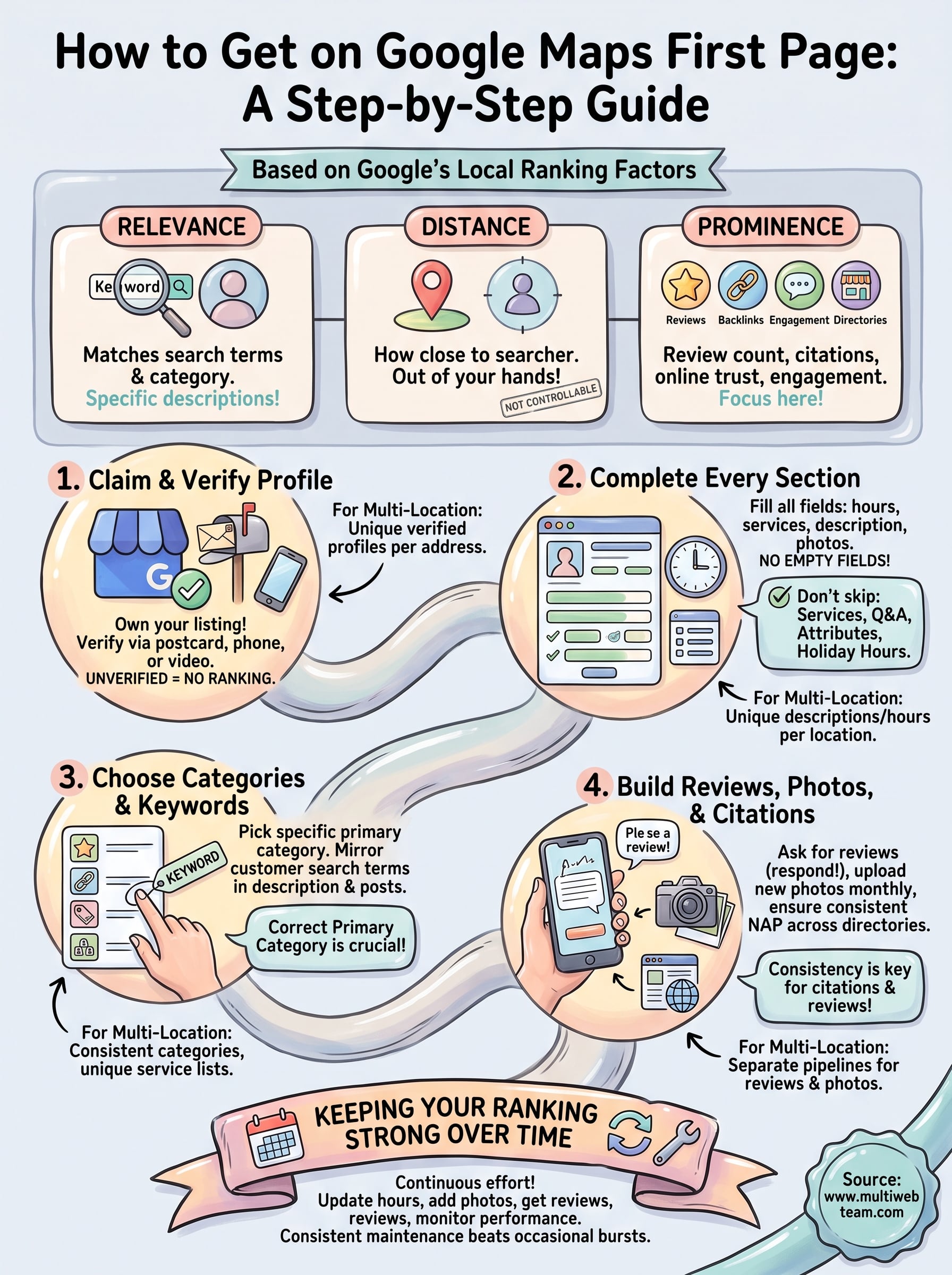
Google uses three ranking factors for local search: relevance , distance , and prominence . Relevance measures how well your Business Profile matches what someone typed into the search bar. Distance measures how close your location is to the searcher, or to the area they specified. Prominence measures how well-known and trusted your business is, both online and off. You can't control distance, but the other two are entirely within your reach, and that's where the real work happens.
Relevance and prominence are the two levers you can actually pull. Distance is out of your hands.
Relevance comes from matching your business categories , services, and profile description to real search terms. If someone searches "emergency plumber near me" and your profile only lists "Plumber" with no mention of emergency services, Google has less reason to connect the two. This is why generic, half-filled profiles rarely rank, even when the business itself is excellent.
Prominence is the harder factor to build, and it's made up of multiple signals working together. Google looks at:
- Review count and rating : more reviews, and higher average scores, signal trust
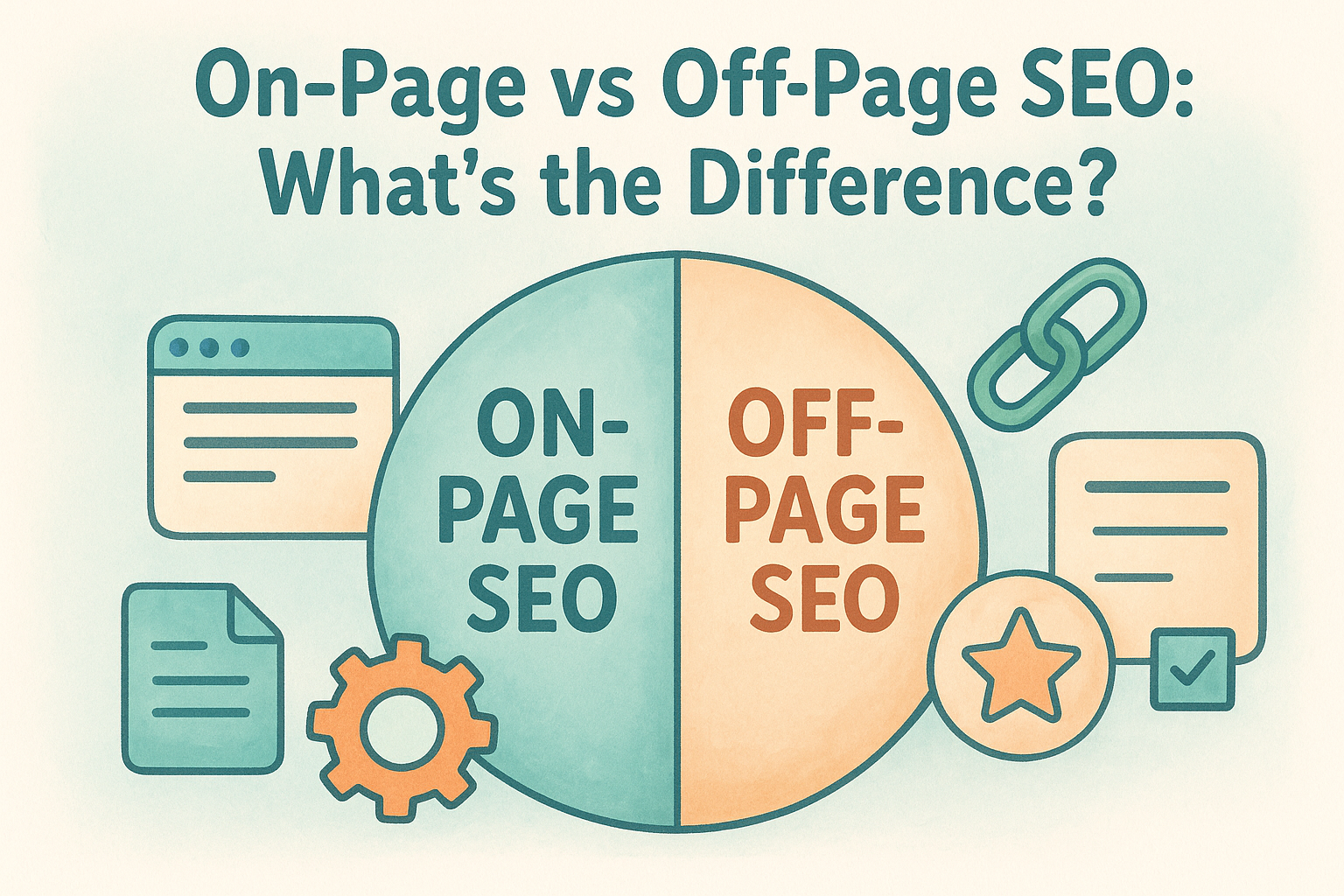
- Citation consistency : your name, address, and phone number (NAP) matching across directories like Yelp, Facebook, and industry-specific sites
- Backlinks and mentions : other websites linking to or referencing your business
- Engagement signals : clicks, calls, and direction requests from your Maps listing
- Physical prominence : well-known brands and landmarks get a natural boost, but small businesses can offset this with the other signals
Google's own documentation on how local results rank confirms these three factors directly, and it's worth reading if you want the source rather than secondhand interpretation.
Specifically for multi-location businesses , prominence gets complicated fast. Each location needs its own review base, its own consistent citations, and its own relevance signals, even though they share a brand name. Treating every location as a mini-profile, rather than copying one template across all of them, is what separates chains that rank everywhere from chains that rank in one city and disappear everywhere else.
Step 1. Claim and verify your Google Business Profile
Before anything else, you need to own your listing. Search your business name on Google. If a profile already exists (Google often creates one automatically from public data), click "Own this business?" and start the claim process. If nothing shows up, head to Google Business Profile and create a new listing from scratch. Either way, the goal is the same: get verified control over what searchers see.
Verification is the step people rush, and it's the one Google won't skip for you. Depending on your business type, you'll verify by postcard, phone, email, or video recording of your storefront. Postcard verification typically takes 5 to 14 days, so plan around that if you're launching a location soon.
An unverified profile can't rank in the map pack, no matter how good the rest of your listing looks.
For multi-location businesses
Each location needs its own verified profile tied to its exact address, not one profile trying to represent several storefronts. Google flags this as a common mistake among franchise owners who assume one strong listing covers every branch.
- Verify locations in batches through Business Profile Manager if you're managing 10 or more
- Use a consistent naming convention across locations ("Brand Name - City" works well)
- Assign a location manager or admin to each profile so verification codes don't get lost internally
Getting this foundation right makes every later step easier.
Step 2. Complete every section of your profile
Once you're verified, resist the urge to stop at the basics. Google rewards profile completeness because it signals an active, legitimate business rather than an abandoned listing. Fill in your hours, phone number, website, service area, and business description in full sentences, not fragments. Add your opening date, payment methods, and accessibility options too. Every empty field is a missed chance to match a search query.
A half-filled profile tells Google you're not paying attention, and it treats your ranking the same way.
Descriptions matter more than most owners think. Use the 750-character business description to naturally mention your services, neighborhood, and specialties, the same way you'd explain your business to a new customer over the phone. Avoid keyword stuffing; write it for a person first.
The fields most businesses skip
These sections get ignored constantly, and they're often the difference between a page-two listing and a map pack placement :
- Services and products : list every specific offering, not just broad categories
- Q&A section : seed it yourself with common customer questions and answers
- Attributes : things like "women-owned" or "wheelchair accessible" filter into niche searches
- Business hours for holidays : update these manually instead of leaving default hours
For multi-location businesses
Each location's profile needs unique descriptions and hours, not a copy-pasted paragraph across ten listings. Duplicate content across locations weakens relevance signals for all of them, since Google can't tell which one best matches a local search. Vary the wording location by location, even when the services are identical.
Step 3. Choose the right categories and keywords
Categories carry more ranking weight than most owners realize. Google uses your primary category to decide which searches your profile is even eligible to appear in, so guessing wrong here caps your visibility before anything else matters. Search your business name and industry to see what competitors in the map pack are using, then pick the most specific option available rather than a broad catch-all. "Italian Restaurant" beats "Restaurant" every time someone searches for pasta nearby.
Your primary category decides which searches you're even eligible to show up in.
Secondary categories widen your reach without diluting relevance, as long as they're accurate. A bakery that also serves coffee should add "Coffee Shop" as a secondary category, not stretch into unrelated territory just to catch more traffic. Google penalizes categories that don't match what happens inside your business.
Matching keywords to real search behavior
Your business description, services list, and even photo captions should echo the language customers actually type, not internal jargon. Check Google's Business Profile category list to confirm you're picking from approved options rather than inventing your own.
- Pull search terms from your website analytics or Google Search Console
- Mirror the exact phrasing customers use in reviews
- Avoid stuffing keywords into your business name field, which violates Google's guidelines
For multi-location businesses
Keep categories identical across locations for brand consistency, but let each location's services list reflect what that specific branch actually offers, since inventory and offerings often shift by market.
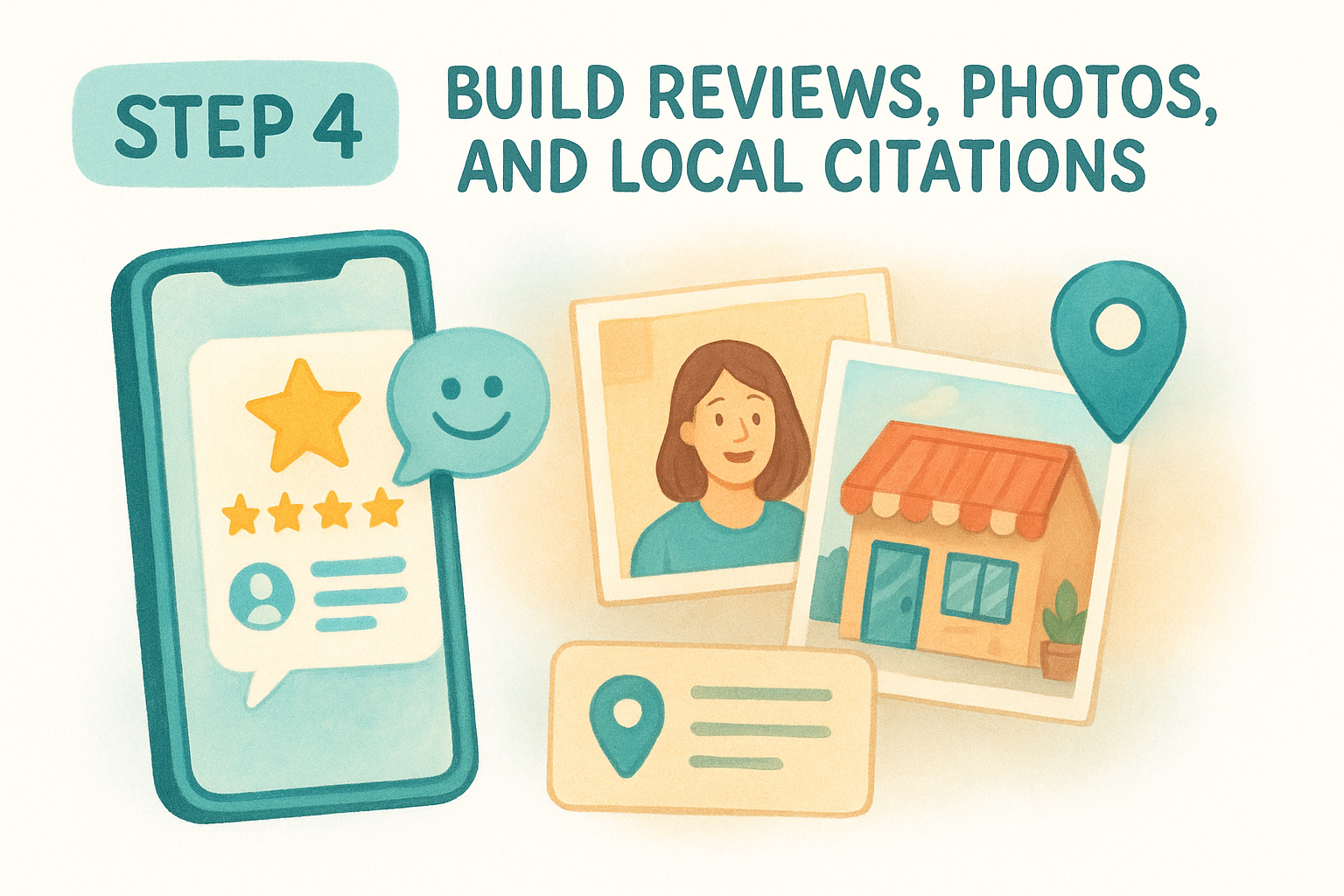
Step 4. Build reviews, photos, and local citations
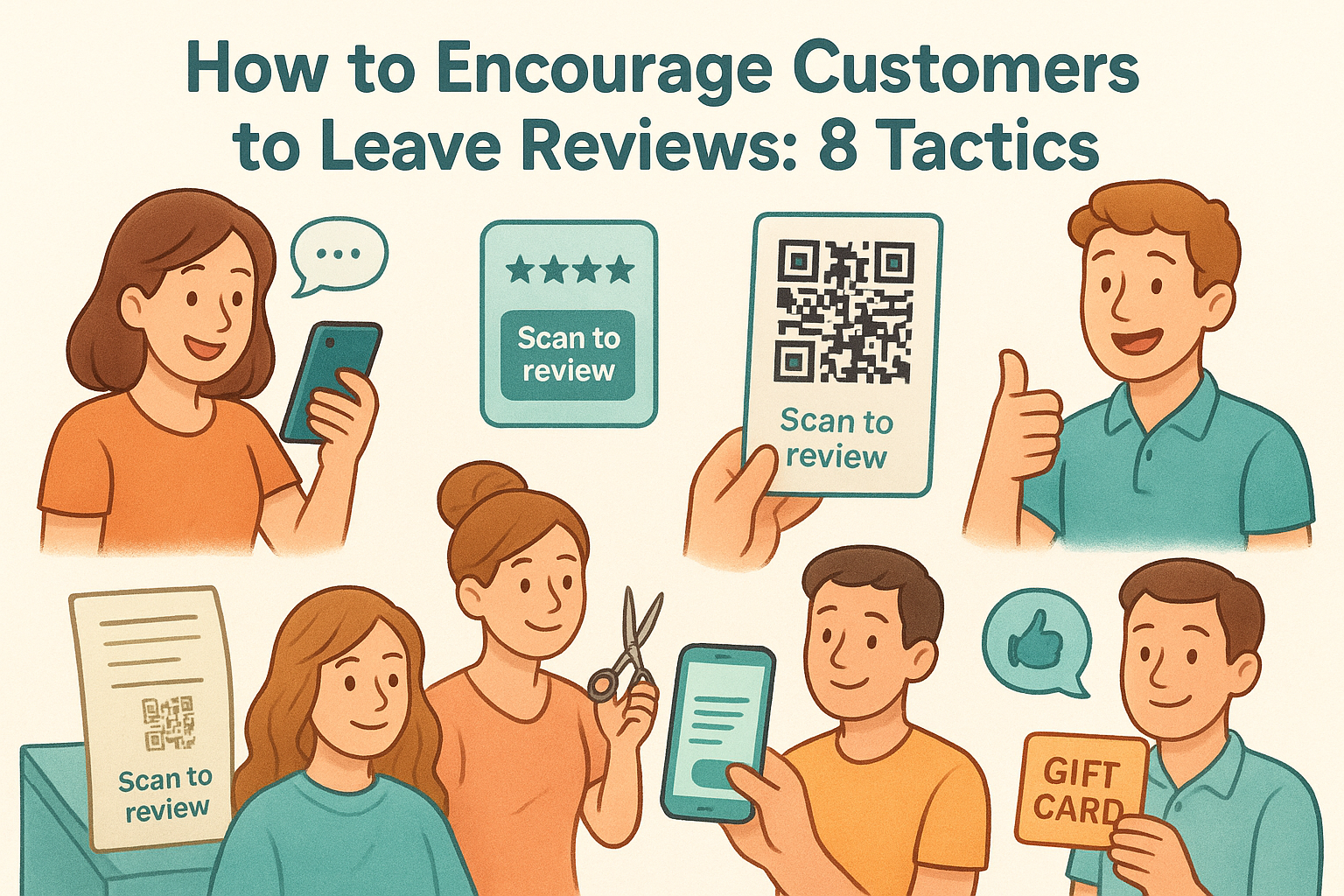
Reviews carry the most weight of any prominence signal, and the businesses that rank consistently treat them as a daily habit, not a one-time push. Ask every satisfied customer directly, ideally right after a purchase or service call, and send a direct review link by text or email so they don't have to search for your profile. Respond to every review, good or bad, within 48 hours. Google notices engagement, and so do future customers reading your responses.
Businesses that ask for reviews consistently outrank businesses with better service but fewer reviews.
Photos matter more than owners assume. Profiles with recent, geotagged photos of the storefront, staff, and products get more clicks than listings with stock images or none at all. Upload new photos monthly, not just once at setup.
Local citations that actually move rankings
Consistency across the web reinforces everything you've built in your profile. Keep your NAP details (name, address, phone) identical on every platform:
- Yelp, Facebook, and Apple Maps
- Industry directories specific to your field
- Local chamber of commerce or association listings
For multi-location businesses
Each location needs its own review pipeline and citation set. Centralize review requests through a shared system, but keep the review link, photos, and citation listings unique per address so Google can tell the locations apart clearly.
Keeping your Google Maps ranking strong over time
Ranking on page one isn't a one-time project. Google reassesses relevance and prominence continuously, so a profile you built well in January can slip by summer if nobody's tending it. Keep photos fresh, keep asking for reviews, and update hours and services the moment they change. Consistent maintenance beats occasional bursts of effort every time.
For multi-location businesses, this workload multiplies fast. Ten locations means ten review pipelines, ten sets of photos, ten profiles that each need attention every month. That's exactly where most franchise owners burn out and let rankings slide.
If you'd rather hand this off than chase it yourself, that's what we built Multi Web Team to do. Our team manages profile updates, reviews, and local SEO across every location under one subscription, no per-change fees. See how Multi Web Team keeps every location ranking while you run the business.