9 Proven Steps On How To Optimize For Local Search In 2026
Your customers are searching for businesses like yours right now, and if you haven't figured out how to optimize for local search , they're finding your competitors instead. Local search drives foot traffic, phone calls, and online orders. For businesses operating across multiple locations , getting this right isn't optional. It's the difference between growing and getting buried.
The challenge? Google keeps updating how it evaluates and ranks local businesses. What worked two years ago, a basic Google Business Profile and a few directory listings, won't cut it in 2026 . Rankings now depend on a combination of factors, from on-page signals to review velocity, and each one of your locations needs individual attention to compete in its own market.
At Multi Web Team, we handle local SEO optimization for multi-location businesses and franchises every day. We've distilled what actually moves the needle into nine actionable steps you can start applying right now. Whether you manage two locations or two hundred, this guide covers exactly what you need to improve your visibility in local search results and turn searchers into customers.
1. Use a managed multi-location web team
Most multi-location businesses spread local SEO work across whoever has spare time, which means inconsistent execution and locations that quietly fall behind in rankings. A dedicated managed web team changes this by putting qualified people on your local presence full-time, across every location, without you needing to micromanage the work yourself or build an internal department from scratch.
What to do
Assign or hire a team that takes full ownership of your local web strategy, including location pages, Google Business Profiles, on-page optimization, and technical maintenance. For most growing businesses, this means partnering with an external managed web team that specializes in multi-location SEO rather than relying on a generalist in-house employee or a one-time agency project that ends after the site goes live.
How to do it in 2026
The most effective approach in 2026 combines ongoing subscription-based management with a team that tracks performance per location and makes continuous updates throughout the year. If you want to understand how to optimize for local search across dozens of locations, the answer is consistent, location-specific attention, not a single setup-and-forget campaign. Your managed team should handle content updates, citation management, profile optimization , and ranking monitoring month after month, treating each location as its own competitive market with its own audience and search patterns.
The businesses that consistently rank in local search aren't always the biggest. They're the ones keeping their web presence updated and accurate at every single location.
Mistakes to avoid
One of the most common mistakes is treating local SEO as a one-time project . Businesses build a location page, claim a Google Business Profile, and then move on entirely. Rankings drop when competitors stay active and you don't. Another mistake is assigning web management to someone who also handles unrelated daily operational tasks , which means local SEO gets deprioritized whenever the business gets busy or short-staffed, costing you visibility at the exact moments you need it most.
How to measure success
Track organic traffic per location page and monitor how each location ranks for its primary local keywords on a monthly basis. Your managed team should deliver regular reports showing profile views, search impressions, and ranking movement at the individual location level, not just aggregate site-wide numbers that mask underperforming locations. When you can pinpoint which locations are improving and which need attention, you're managing local SEO correctly.
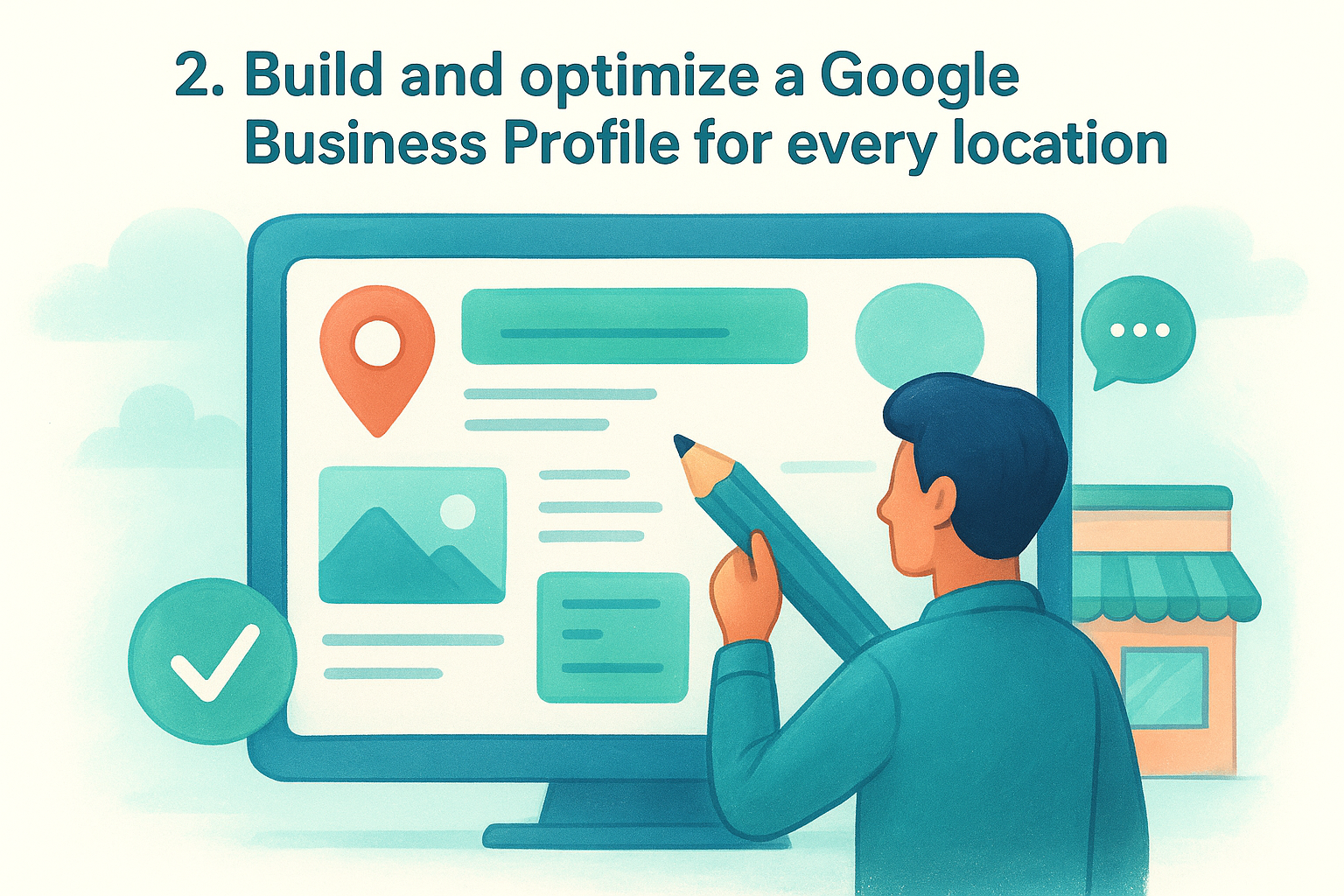
2. Build and optimize a Google Business Profile for every location
Your Google Business Profile (GBP) is the single most visible asset in local search. When someone searches for your business category near one of your locations, the GBP listing appears before organic results, showing your hours, photos, reviews, and address. If you haven't claimed and fully optimized a separate profile for each location , you're leaving rankings and customer contacts on the table.
What to do
Claim a verified GBP for every physical location you operate. Each profile needs a complete and accurate set of details , including the location's specific address, local phone number, business hours, service categories, and a description that reflects what that location actually offers. Upload high-quality photos regularly, and use the Products and Services sections to show Google exactly what you provide.
How to do it in 2026
Google increasingly favors profiles that stay actively updated with posts, Q&A responses, and fresh photos. Treat each GBP like a mini-website that needs ongoing attention. Use Google's built-in posting feature to share promotions, events, and updates at least twice per month per location. This signals to Google that your business is active and relevant to local searchers.
An incomplete or stale GBP tells Google you're not serious about serving customers at that location, and rankings reflect that.
Mistakes to avoid
Never use a single GBP for multiple locations or list a headquarters address for every branch. Each location must stand alone. Keyword-stuffing your business name also violates Google's guidelines and risks suspension.
How to measure success
Monitor profile views, direction requests, and call clicks inside the GBP dashboard for each location monthly. Rising engagement across those metrics confirms your profile is gaining local traction.
3. Lock down NAP consistency and core citations
NAP stands for Name, Address, and Phone number , and search engines use it to verify that your business is real and correctly located. When your NAP data is inconsistent across directories, Google loses confidence in your listings and ranks your locations lower. Every platform that displays your business information needs to match exactly, character for character, across the entire web.
What to do
Audit every place your business appears online and correct any discrepancies you find. Your business name, address, and phone number must match your Google Business Profile exactly on every directory listing, your website, social profiles, and any other citation source where your locations appear.
How to do it in 2026
Start with the highest-traffic directories: Google Business Profile, Apple Maps, Bing Places, Yelp, and Facebook . Submit identical NAP data to each one. For multi-location businesses, this means creating individual listings per platform for each location with location-specific phone numbers and addresses, not shared contact details across branches.
Consistent citations across authoritative directories tell Google your business is real, active, and trustworthy, which directly supports how to optimize for local search across every location you operate.
Mistakes to avoid
Using a single phone number across all locations is one of the most damaging citation errors multi-location businesses make. It confuses search engines and customers alike. Also avoid abbreviating your address differently across platforms, for example "St." on one listing and "Street" on another, because Google treats these as separate entities.
How to measure success
Run a citation audit quarterly to catch new inconsistencies that appear over time. Track your number of accurate listings on core directories and monitor improvements in local pack visibility as you resolve errors across each location.
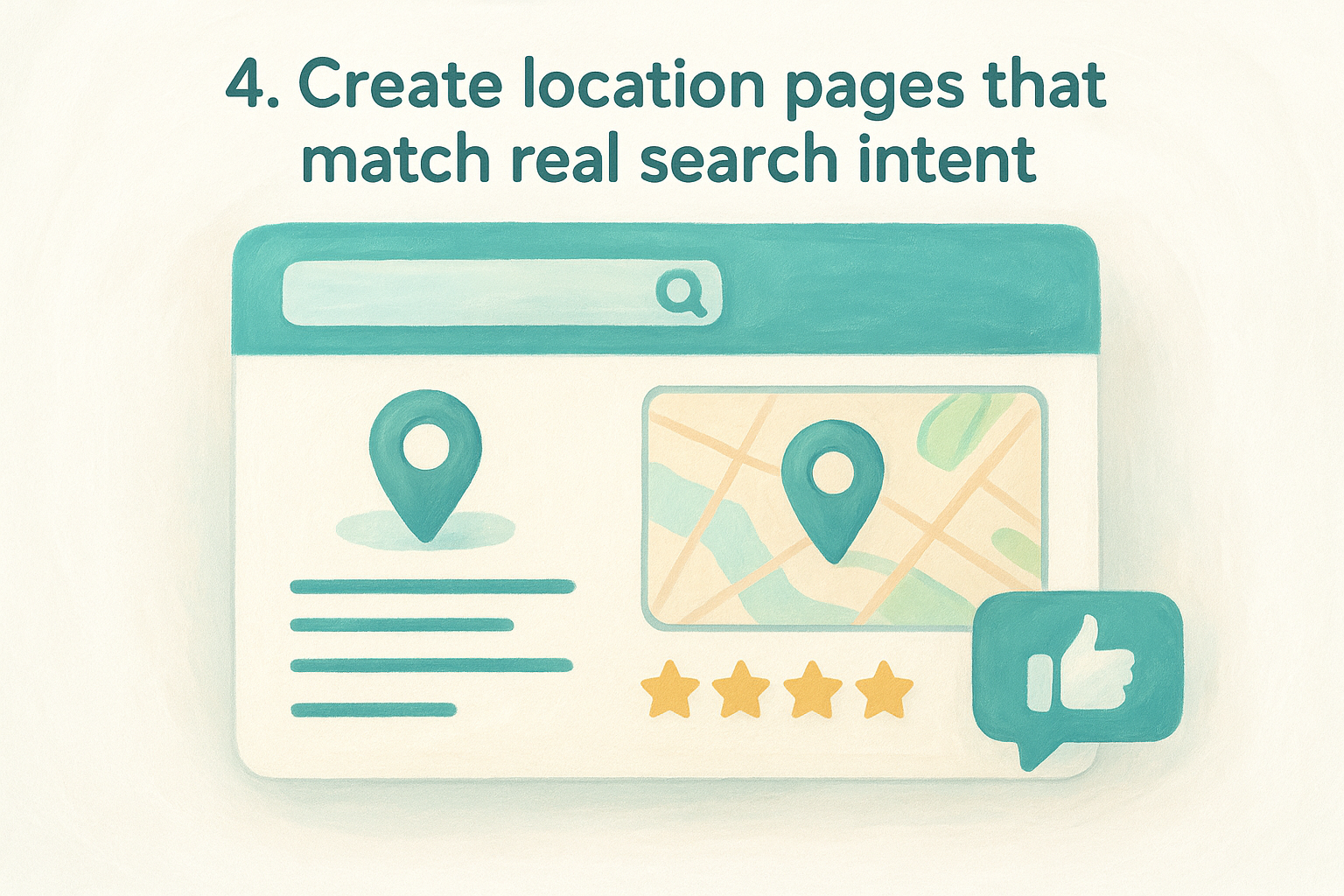
4. Create location pages that match real search intent
A generic "Locations" page with a list of addresses won't rank. Each location needs its own dedicated page built around what people in that area actually search for, not just your business name plus a city. These pages are where local organic rankings happen, and they need to serve both the searcher's intent and the specific needs of that location.
What to do
Build a unique page for every location that covers the details real customers need before they visit or call. At minimum, each page should include:
- Location-specific address, phone number, and hours
- A written description of what that branch offers
- A Google Maps embed for that address
- Local trust signals like reviews or customer testimonials
How to do it in 2026
Search intent in 2026 skews toward specificity and trust signals. Link each location page directly to its corresponding Google Business Profile listing to reinforce your presence. This connection supports how to optimize for local search at the page level and gives Google a clear signal that your content matches real searcher queries.
Duplicate location pages that only swap out the city name are among the fastest ways to get filtered out of local results.
Mistakes to avoid
Avoid publishing thin pages that contain only a name, address, and phone number. Google rarely surfaces these in competitive markets. Make sure each of your location pages has enough original written content to stand on its own, covering what makes that branch relevant to the community it serves.
How to measure success
Track organic rankings and click-through rates for each of your location pages individually inside Google Search Console. Watch for pages gaining impressions on location-specific queries , which confirms the content matches what real searchers are typing.
5. Strengthen on-page SEO for local service keywords
Your location pages need more than a city name dropped into a title tag. On-page SEO shapes how Google interprets your content and determines whether each page competes for local service keywords that match what customers in your area actually search.
What to do
Target specific phrases that combine your service with the local area, such as "pizza delivery in downtown Austin" rather than just "pizza delivery." Place your primary keyword in the page title, H1, first paragraph, and at least one subheading. Write meta descriptions that include the location and service clearly, since these directly influence click-through rates from search results.
How to do it in 2026
Google now reads pages more like a reader than a keyword counter, so natural integration of local terms matters more than repetition. Answer the specific questions people ask before choosing a local business: pricing, availability, and what makes your location different from competitors nearby. Knowing how to optimize for local search at the on-page level means matching the full context of a searcher's query, not just the exact phrase.
Thin pages that repeat the same keyword phrase in every sentence rank poorly and frustrate readers who want real answers.
Mistakes to avoid
Avoid copying content between location pages and simply swapping the city name. Google identifies near-duplicate pages and filters most of them out of results. Also avoid skipping header tag structure , since a clear H1 and supporting subheadings help Google understand what your page covers and for whom.
How to measure success
Check Google Search Console monthly to see which queries trigger impressions for each location page. Rising impression counts on location-specific service queries confirm your on-page signals are working correctly.
6. Add local business schema across key pages
Schema markup gives Google structured data it can read directly from your page without guessing. For local businesses, adding the right schema to your location pages tells search engines exactly what your business is, where it operates, and how customers can reach you, which strengthens how to optimize for local search at a technical level most competitors overlook.
What to do
Implement LocalBusiness schema on every location page using JSON-LD format. Your schema should include the business name, address, phone number, hours of operation, and geographic coordinates for that specific location. You can find Google's official structured data documentation at developers.google.com to confirm which properties carry the most weight in local results.
How to do it in 2026
Nest your LocalBusiness schema inside a broader organization schema to give Google a clear picture of your full business structure. For multi-location businesses, each location page should carry its own independent schema block with location-specific details rather than pulling from a shared template that repeats headquarters data.
Schema won't rescue a weak page, but it gives a strong location page the technical clarity Google needs to rank it confidently.
Mistakes to avoid
Avoid publishing schema with errors or missing required fields , since Google ignores broken markup entirely. Don't copy the same schema block across every location page without updating the address and phone fields specific to each branch.
How to measure success
Use Google's Rich Results Test to validate your schema on each location page. Track structured data coverage inside Google Search Console under the Enhancements tab to confirm your markup is being read correctly across all locations.
7. Generate and respond to reviews at scale
Reviews are one of the strongest local ranking signals Google uses to evaluate your business. Quantity, recency, and your response rate all factor into where your locations appear in local results. Managing reviews across multiple locations requires a repeatable system , not a reactive approach where you check in occasionally and hope for the best.
What to do
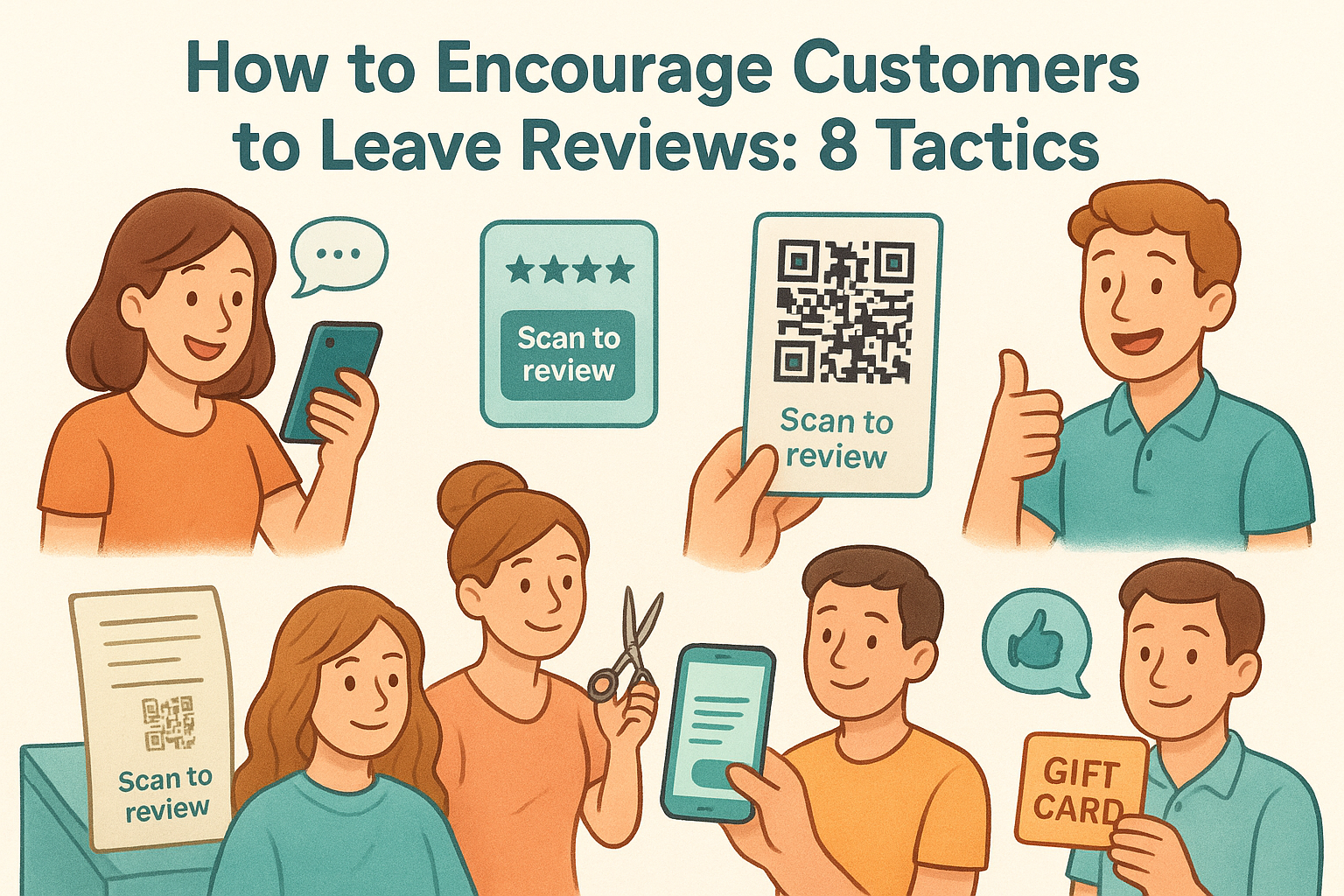
Ask every customer for a review at the right moment, which is immediately after a positive interaction while the experience is still fresh. Give customers a direct link to your Google Business Profile review page so there's no friction in the process. Every location needs its own review strategy with someone accountable for requesting feedback and responding to every review, positive or critical, within 24 to 48 hours.
How to do it in 2026
The most effective method in 2026 is automating the review request process through post-visit emails or text messages triggered by your point-of-sale or CRM system. This keeps review volume growing steadily without requiring manual effort from your staff at each location. Understanding how to optimize for local search at this level means treating review generation as an ongoing operation , not a periodic push.
A location with 200 recent reviews and consistent owner responses will outrank a competitor with 50 old reviews and no engagement every time.
Mistakes to avoid
Never offer incentives in exchange for reviews , since Google prohibits this and can remove your listing. Avoid using generic responses that don't acknowledge the specific feedback, since Google and customers both recognize copy-pasted replies.
How to measure success
Track total review count and average rating per location monthly inside your GBP dashboard. Watch for improvements in local pack rankings as review volume and recency increase at each individual location.
8. Earn local backlinks that move rankings
Backlinks from other local websites tell Google that your business has real roots in the community it serves. For multi-location businesses, local link building is one of the most underused ranking levers available, and the businesses that invest in it consistently outperform competitors who rely on on-page signals alone.
What to do
Focus on earning inbound links from websites that are geographically relevant to each location. Local news outlets, community blogs, neighborhood business directories, and regional industry associations all carry authority that reinforces your local relevance in Google's eyes. A single contextual link from a local news story about your business does more for your rankings than dozens of generic directory submissions.
How to do it in 2026
Sponsor local events, partner with nearby businesses for cross-promotions, and pitch your expertise to local journalists covering topics related to your industry. Press mentions with links are one of the fastest ways to build location-specific authority . When you understand how to optimize for local search at this level, you recognize that community involvement isn't just good business practice, it's a direct ranking input.
A backlink from a local news site mentioning your specific location carries far more ranking weight than a link from a generic national directory.
Mistakes to avoid
Avoid buying backlinks or participating in link exchange schemes , since Google penalizes these practices and the risk to your rankings is significant. Never target backlinks from irrelevant or low-quality sites just to inflate your link count.
How to measure success
Track the number of referring domains linking to each location page inside Google Search Console. Watch for ranking improvements on competitive local keywords as your location-specific backlink profile grows over time.
9. Fix mobile and technical issues that block local visibility
Most local searches happen on mobile devices , which means a slow or broken site directly costs you customers and rankings. Google uses mobile-first indexing , so if your site performs poorly on a phone, your local pages rank lower regardless of how well-optimized the rest of your content is.
What to do
Audit your site for core technical issues that suppress local rankings: slow load times, unresponsive layouts, broken links, and missing canonical tags on location pages. Every location page must load fully functional on a mobile screen with no overlapping elements, unclickable buttons, or text that forces horizontal scrolling.
How to do it in 2026
Run each location page through Google's PageSpeed Insights and address the flagged issues in priority order. In 2026, Core Web Vitals remain a confirmed ranking signal, so focus specifically on Largest Contentful Paint and Cumulative Layout Shift scores, since these directly affect how Google evaluates your page experience for local results.
A location page that loads in under two seconds converts significantly more mobile visitors than one that takes five, and Google knows the difference.
Mistakes to avoid
Avoid using large uncompressed images on location pages, since they are the most common cause of slow mobile load times. Never block CSS or JavaScript files in your robots.txt, since Google needs to render these files to evaluate your page correctly.
How to measure success
Check Core Web Vitals data inside Google Search Console under the Experience tab for each location page. Knowing how to optimize for local search at a technical level means watching mobile usability errors drop to zero across your entire location set.
Next steps
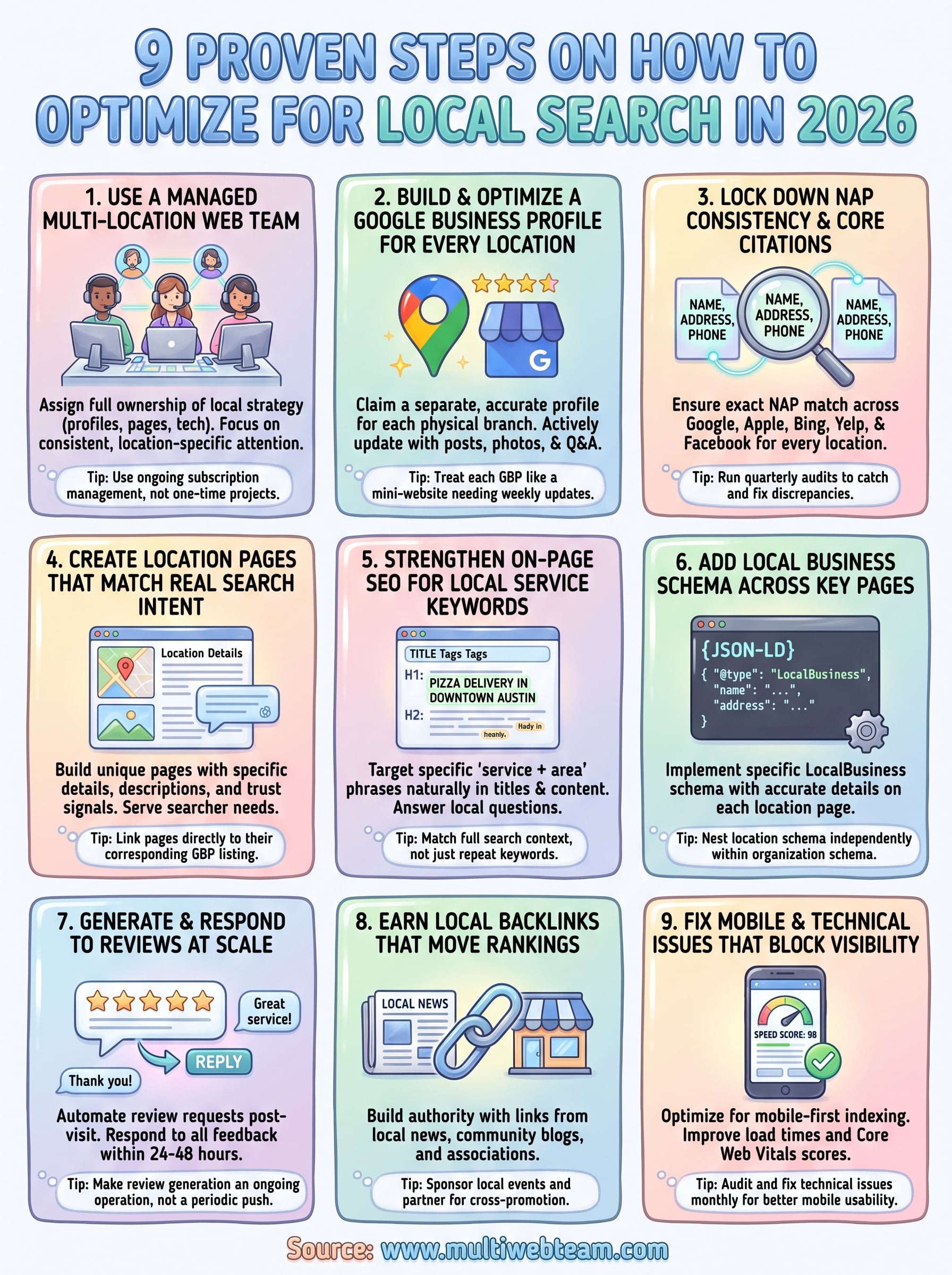
You now have a complete picture of how to optimize for local search across every location you operate. Each of the nine steps in this guide works together: strong profiles, consistent citations, optimized pages, clean technical foundations, and an active review strategy all reinforce each other. Skipping one weakens the others.
Putting this into practice across multiple locations simultaneously is where most business owners run into real obstacles. Keeping every profile updated, every location page current, and every technical issue resolved takes consistent time and attention that most internal teams can't sustain alongside day-to-day operations.
That's exactly what Multi Web Team handles for growing multi-location businesses. From custom location pages to ongoing SEO management , the team covers everything your web presence needs, month after month, so you can stay focused on running your business instead of chasing rankings.