
How To Build a Restaurant Website: Step-by-Step Guide
Your restaurant could serve the best food in town, but if people can't find you online, they're eating somewhere else. Learning how to build a restaurant website gives you control over how customers discover your locations, browse your menu, and decide whether to walk through your door, or keep scrolling.
The good news: you don't need to be a developer to get this done. Whether you're opening your first location or managing a growing franchise, the process follows a clear set of steps, from choosing the right platform to adding features like online ordering and reservations that actually drive revenue.
This guide breaks down every step so you can build a restaurant website that looks professional, ranks in local search results , and turns visitors into paying customers. And if you'd rather skip the DIY route entirely, that's exactly what we do at Multi Web Team, we design and manage websites for multi-location businesses so owners can focus on running their restaurants, not maintaining a website.
What a restaurant website must do
Before you think about colors, fonts, or which platform to use, you need to understand the job your website has to do. A restaurant website isn't a digital brochure. It's a decision-making tool that either convinces someone to visit your location or sends them to the competitor down the street. When you know how to build a restaurant website that actually performs, you design it around the visitor's needs, not around what looks impressive to you.
Convert visitors before they click away
Most people who land on your restaurant's website already have some level of intent. They're hungry, they're planning, or they're comparing you to another spot. Your website has about 3 to 5 seconds to answer the questions they're silently asking: What kind of food is it? Where is it? Can I order or book a table right now?
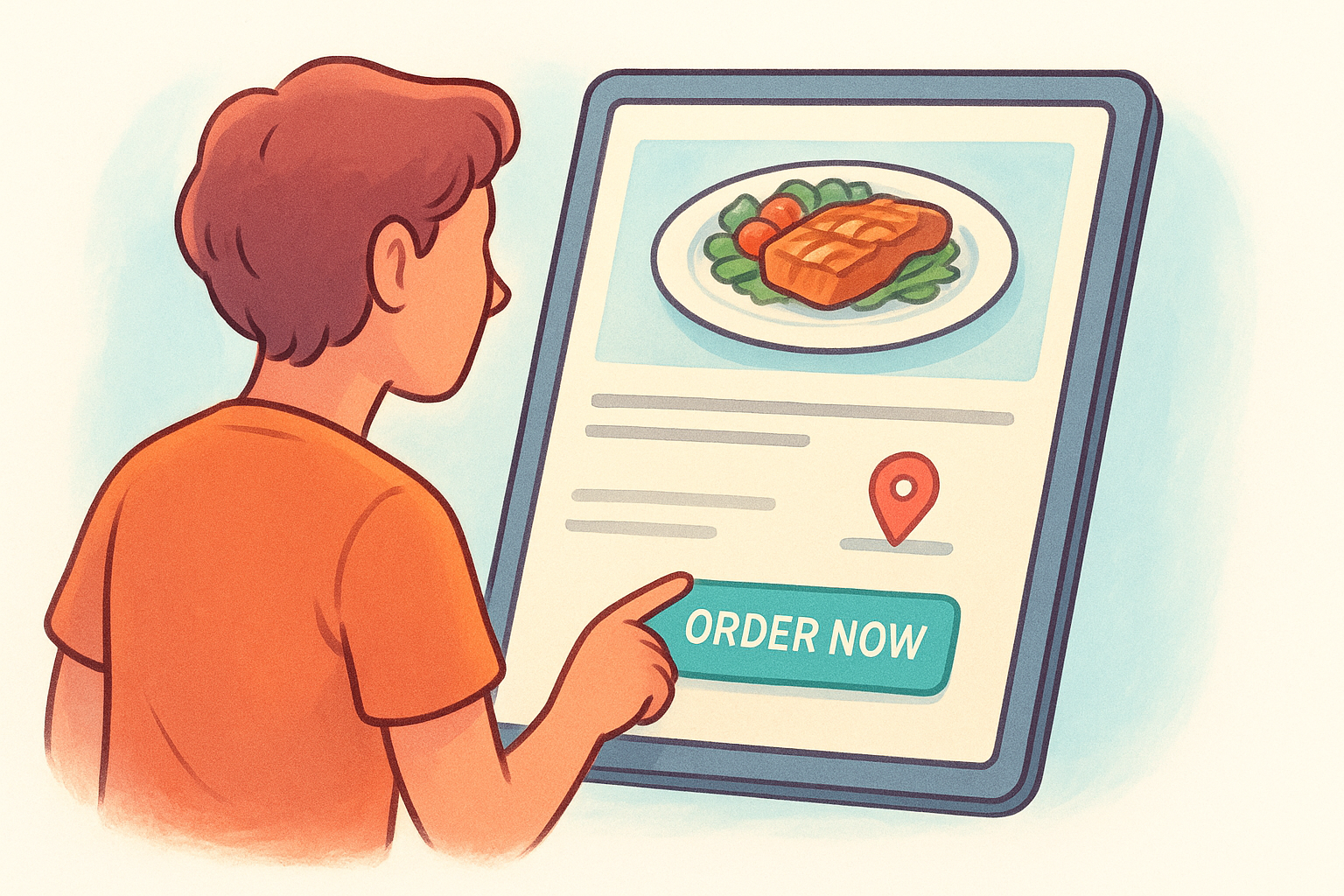
If your homepage doesn't answer those three questions immediately, you're losing customers to restaurants with slower food but faster websites.
That means your hero section, the very top of your homepage, needs to show your food visually, display your location or locations, and put a clear call-to-action button like "Order Now" or "Reserve a Table" front and center. Everything below that supports the decision they're already leaning toward.
Show up when people search nearby
A restaurant website that nobody finds is just an expensive placeholder. Local search visibility is the single most important traffic driver for restaurants because the people searching "pizza near me" or "best tacos in Austin" are ready to spend money. Your website needs to be built with that in mind from the very beginning.
This means every location page should include your full address, phone number, and business hours in crawlable text, not buried inside an image. It means using location-specific page titles and headings, not just "Our Menu" but "Lunch Menu at Our Downtown Chicago Location." It also means connecting your site to Google Search Console so you can monitor how Google reads your pages and fix any indexing issues early.
Work on every device without friction
More than 60 percent of restaurant searches happen on mobile devices , which means your website needs to work perfectly on a phone before you worry about how it looks on a desktop. Slow load times, tiny tap targets, and menus that require pinching and zooming all push visitors away.
Fast performance isn't optional. Images need to be compressed , fonts need to load without delay, and your reservation or ordering flow needs to work with one hand on a phone screen. If someone has to fight your website to find your hours, they won't fight very long.
Build trust before someone walks through the door
People eat with their eyes first, and your website is where that starts. High-quality food photography does more conversion work than any paragraph of text ever will. Real photos of your actual dishes, your dining room, and your team tell visitors what kind of experience they can expect.
Beyond photos, trust comes from social proof and consistency . That means displaying reviews, linking to your most active social channels, and making sure your name, address, and phone number match exactly what's listed on Google. Any mismatch between your website and your Google Business Profile creates doubt, and doubt makes people choose somewhere safer. Your website should eliminate that doubt completely.
Step 1. Plan your site structure and goals
Before you touch a single design tool or pick a domain name, you need a clear map of what your site will include and what each page needs to accomplish. Skipping this step is the most common mistake restaurants make when learning how to build a restaurant website, and it leads to bloated navigation, confused visitors, and missed conversion opportunities. Spend 30 minutes on this upfront and every step that follows gets easier.
Define the pages your site needs
Most restaurant websites try to pack too much into one place or leave out pages visitors actually need. Your core pages should match the decisions your customers make , not every possible piece of information you could share. A clean structure keeps navigation simple and helps search engines understand what each page is about.
Here's the standard page set that works for most restaurants:
- Home : First impression, location, and CTA buttons for ordering or reservations
- Menu : Full menu with prices, organized by category; one page per location if you have multiple
- Order Online : Direct link to your ordering system or an embedded ordering widget
- Reservations : Booking form or link to your reservation tool
- Locations : A separate page for each location with address, hours, and map
- About : Your story, team, and what makes your restaurant worth visiting
- Contact : Phone, email, hours, and a simple contact form
If you run more than one location, each location needs its own dedicated page with unique content, not a copied version of the same text with a different address swapped in.
Set one clear goal per page
Every page on your site should have one primary action you want the visitor to take . Your homepage pushes people toward ordering or booking. Your menu page should link directly to your online ordering flow. Your locations page should drive clicks to directions and phone calls.
Write this down before you build anything. A simple table works well:
| Page | Primary goal | CTA button text |
|---|---|---|
| Home | Book or order | "Reserve a Table" / "Order Now" |
| Menu | Start an order | "Order Online" |
| Locations | Get directions | "Get Directions" |
| Contact | Start a conversation | "Send a Message" |
Mapping goals to pages before you build prevents you from creating a site that looks complete but fails to move customers toward action.
Step 2. Choose a platform and tech stack
Picking your platform is one of the most consequential decisions you'll make when figuring out how to build a restaurant website. The platform shapes everything : how fast your site loads, how easy it is to update your menu, and how much ongoing maintenance you'll need to handle. Getting this right upfront saves you from rebuilding the whole thing a year later when your business outgrows what the tool can do.
Hosted builders, self-hosted CMS, and custom code
Most restaurant owners land in one of three categories: hosted website builders , self-hosted CMS platforms like WordPress, and fully custom-coded sites. Each has real tradeoffs, and the right choice depends on how many locations you manage, how often you update content, and whether you have any developer support available to you.
The more locations you manage, the more you need a platform that lets you update content quickly across pages without ever touching code.
Here's how the main options compare at a glance:
| Platform | Best for | Maintenance level | Approximate monthly cost |
|---|---|---|---|
| Squarespace | Single-location, design-focused restaurants | Low | $16-$49 |
| Wix | Small restaurants needing layout flexibility | Low to medium | $17-$159 |
| WordPress + page builder | Multi-location sites needing SEO control | Medium to high | $10-$50 + hosting |
| Custom HTML/CSS/JS | Restaurants with full developer support | High | Varies |
What most restaurants actually need
For the majority of restaurant owners, WordPress with a lightweight theme and a page builder like Elementor gives you the best balance of SEO control, plugin support for ordering and reservations, and room to scale. You don't need to write code to use it, but it gives you far more flexibility than a locked-down hosted builder when you need location-specific pages or custom integrations.
Squarespace and Wix work well if you have one location and a clean, stable menu. Both handle hosting automatically, templates look professional out of the box, and the learning curve is low. The real limitation shows up when you need separate location pages with unique SEO content or a deeper integration with a third-party ordering platform.
When custom code actually makes sense
Custom development is worth considering only if you have a developer available on an ongoing basis , not just for the initial build. A fully custom site gives you complete control over performance and functionality, but every menu update, layout fix, and new feature requires developer time. For most independent restaurants and franchises, that ongoing cost and dependency isn't practical.
Step 3. Set up domain, hosting, and email
Your domain name, hosting provider, and business email address are the foundation of your online presence. Getting these three things right before you build anything else means your site loads fast, ranks cleanly, and looks professional from day one. These decisions take less than an hour to make, but they affect everything that comes after.
Pick a domain name that works for search and branding
A good domain is short, easy to spell, and as close to your restaurant's name as possible . If your restaurant is called Harbor Grill, aim for harborgrillaustin.com or harborgrillrestaurant.com before defaulting to something generic. Including a city name helps with local search visibility and separates you from other businesses with similar names in different markets.
Avoid hyphens, numbers, and creative misspellings in your domain. Anything that forces you to spell it out over the phone creates friction and makes the address harder for customers to remember.
A few domain rules worth following:
- Stick with .com whenever possible; customers default to it automatically
- Keep it under 20 characters to make it easy to type and share
- Register through Google Domains or a reputable registrar that makes DNS management straightforward
Choose hosting that won't slow you down
Shared hosting plans work fine for single-location restaurants, but if you're managing multiple location pages or expecting meaningful traffic, you want a plan with dedicated resources. Page load speed directly affects both conversion rates and search rankings, so don't choose a host on price alone.
When figuring out how to build a restaurant website on WordPress, look for a host that offers automatic daily backups, SSL certificates included at no extra cost, and servers based in the United States if that's where your customers are. SSL is non-negotiable because Google marks sites without it as "Not Secure," which destroys trust before a visitor reads a single line of content.
Set up a business email address
A contact email like info@yourrestaurant.com does more than look polished. It signals legitimacy to customers deciding whether to book a reservation or ask about catering, and it ties your communication directly to your brand. Sending restaurant inquiries from a personal Gmail or Yahoo account tells people you haven't fully invested in the operation, even when you have.
Google Workspace starts at a low monthly cost per user and gives you a business email tied to your domain, along with shared calendars and document storage your front-of-house and management team can use without adding another tool to the mix.
Step 4. Design for mobile and fast decisions
When you figure out how to build a restaurant website that actually performs, mobile design isn't a secondary concern . It's where the majority of your customers will experience your site for the first time. Before you finalize any page layout, open it on your phone and ask yourself honestly whether you'd stay on it or leave within the first few seconds.
Design your layout for a thumb, not a cursor
Restaurant visitors on mobile are often standing outside, deciding in real time whether to walk in or keep moving. Your layout needs to accommodate that context. Buttons should be large enough to tap without zooming, your phone number should be a clickable link that dials directly, and your address should open a maps app with a single tap.
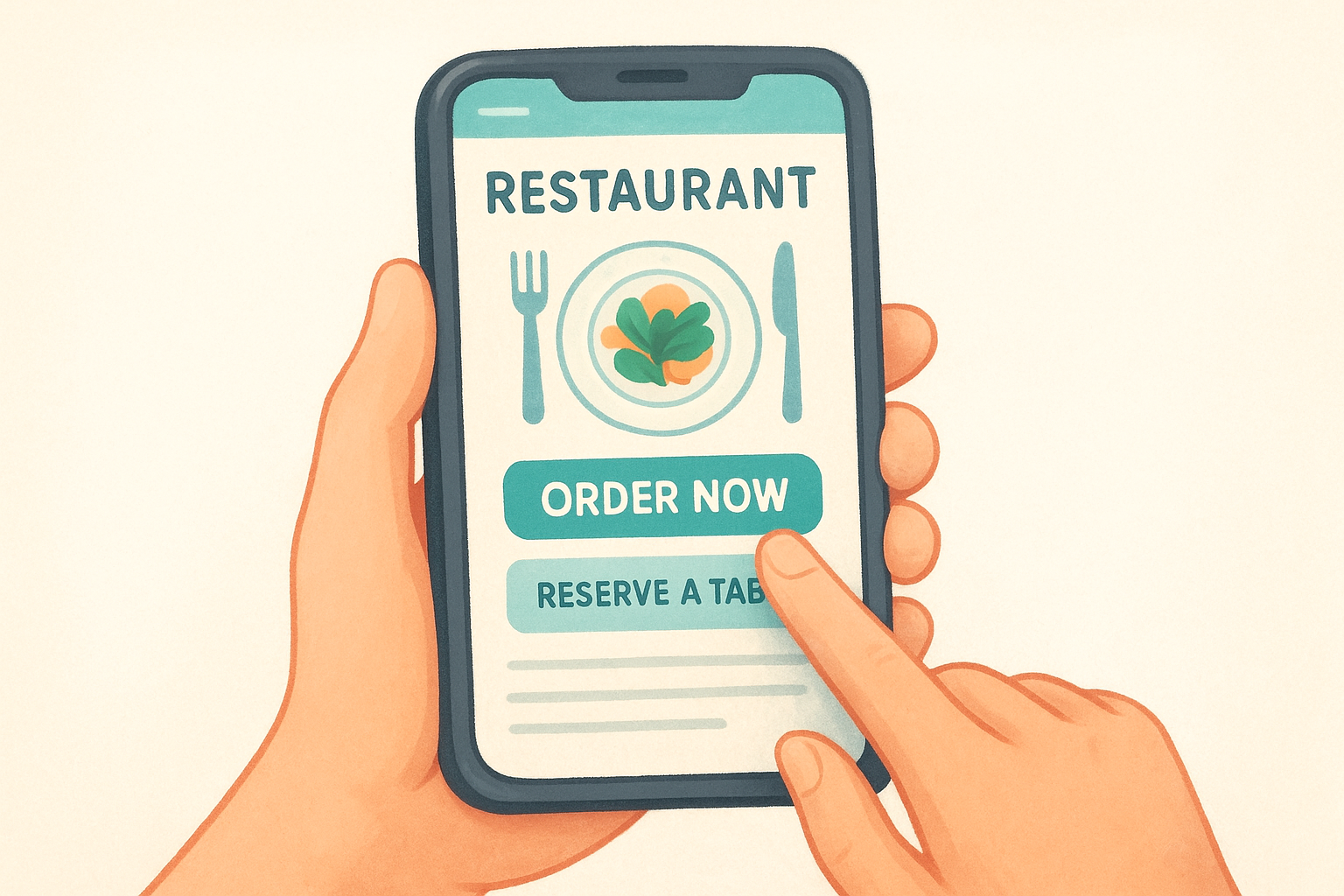
If a customer has to pinch and zoom to read your menu or find your hours, your website is actively pushing them toward a competitor.
Use a single-column layout for all mobile pages and keep your most important CTAs, "Order Now" and "Reserve a Table," visible without scrolling. A sticky header or floating button that stays on screen as someone scrolls gives you an easy way to keep that action accessible at all times. Test every page on at least two different phone screen sizes before publishing anything.
Here's a quick checklist to validate your mobile layout before launch:
- Phone number links use
tel:so tapping it dials automatically - Address links use
https://maps.google.comso tapping opens directions - All tap targets are at least 44px tall
- Body text is readable at 16px without zooming
- No horizontal scrolling appears on any page
Cut load time before anything else
Page speed directly affects both your search rankings and your bounce rate , and restaurants pay a real price when their site takes more than 3 seconds to load on a mobile connection. Most speed problems trace back to the same handful of sources: uncompressed images, too many third-party scripts, and render-blocking fonts that delay the entire page from appearing.
Compress every image before uploading it to reduce file size without visible quality loss. Use modern formats like WebP where your platform supports them. Limit third-party embeds, especially social media widgets and live chat plugins, to only those that directly support a booking or ordering action. Every extra script adds load time your visitors will not wait for , and on mobile connections that cost compounds fast.
Step 5. Build menu, ordering, and reservations
Your menu, ordering system, and reservation tool are the three features that separate a functioning restaurant website from a basic informational page. Getting these right is arguably the most important part of learning how to build a restaurant website that generates real revenue, because this is where visitors either convert or leave. Build each one with the customer's next action in mind, not around your internal categories or operational preferences.
Structure your menu for online readability
A menu buried in a PDF forces visitors to download a file, zoom in on small text, and navigate a format designed for print. Display your menu as live HTML text organized into clearly labeled sections like Starters, Mains, Desserts, and Drinks. This makes it readable on any device and allows search engines to index individual dish names, which drives organic traffic from people searching for specific items in your area.
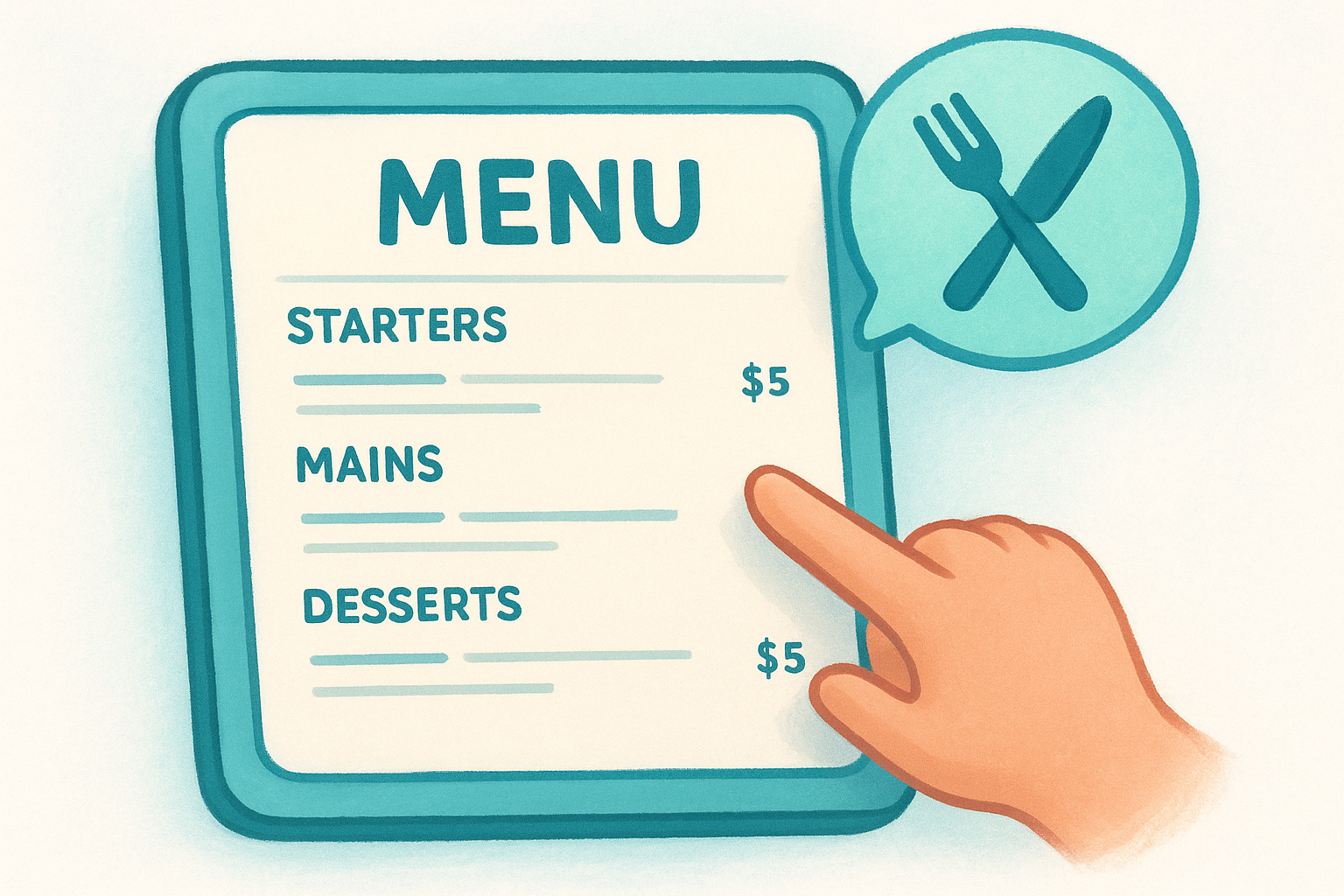
A well-structured HTML menu can rank for searches like "best lobster bisque in Portland" in a way a PDF never will.
Use a consistent format for every item so the page scans quickly and feels organized:
- Item name (larger, bolded text so it stands out)
- Short description (one line maximum, focused on key ingredients or preparation)
- Price (right-aligned or placed directly below the description)
Connect an ordering system that protects your margins
Third-party delivery apps take 15 to 30 percent of every order as a commission fee, which cuts directly into your margins on every single transaction. Where possible, embed a direct ordering integration on your own site so customers place orders with you rather than through a marketplace. Many ordering platforms offer embeddable widgets you can place on your site with a short block of code, keeping the customer on your website throughout the entire transaction.
Place your ordering button above the fold on both your homepage and your menu page so customers never have to search for it. Every extra click between "I want to order" and "order confirmed" reduces your completion rate by a measurable amount.
Add reservations without overcomplicating the flow
A well-placed embedded booking form outperforms a phone-only reservation process for the majority of customers who prefer to book without a conversation. Embed the form directly on your Reservations page rather than redirecting visitors to an external site that takes them away from your brand. Keep required fields to a minimum : date, time, party size, name, and phone number cover everything you need to confirm a booking without frustrating someone before they even walk through the door.
Step 6. Add local SEO for one or many locations
Local SEO is the part of learning how to build a restaurant website that most owners underestimate until they notice their competitors showing up in search results and they aren't. Google prioritizes location relevance when someone searches for food nearby, and your website needs to signal that relevance clearly on every page that represents a physical location. This step is where you close the gap between a site that exists and a site that actually brings people in.
Optimize each location page for search
Each location your restaurant operates needs its own dedicated page with unique, location-specific content . Copying the same page and swapping out the address is not enough. Google recognizes duplicate content and gives it lower priority, which means identical location pages compete against each other instead of helping each location rank independently.
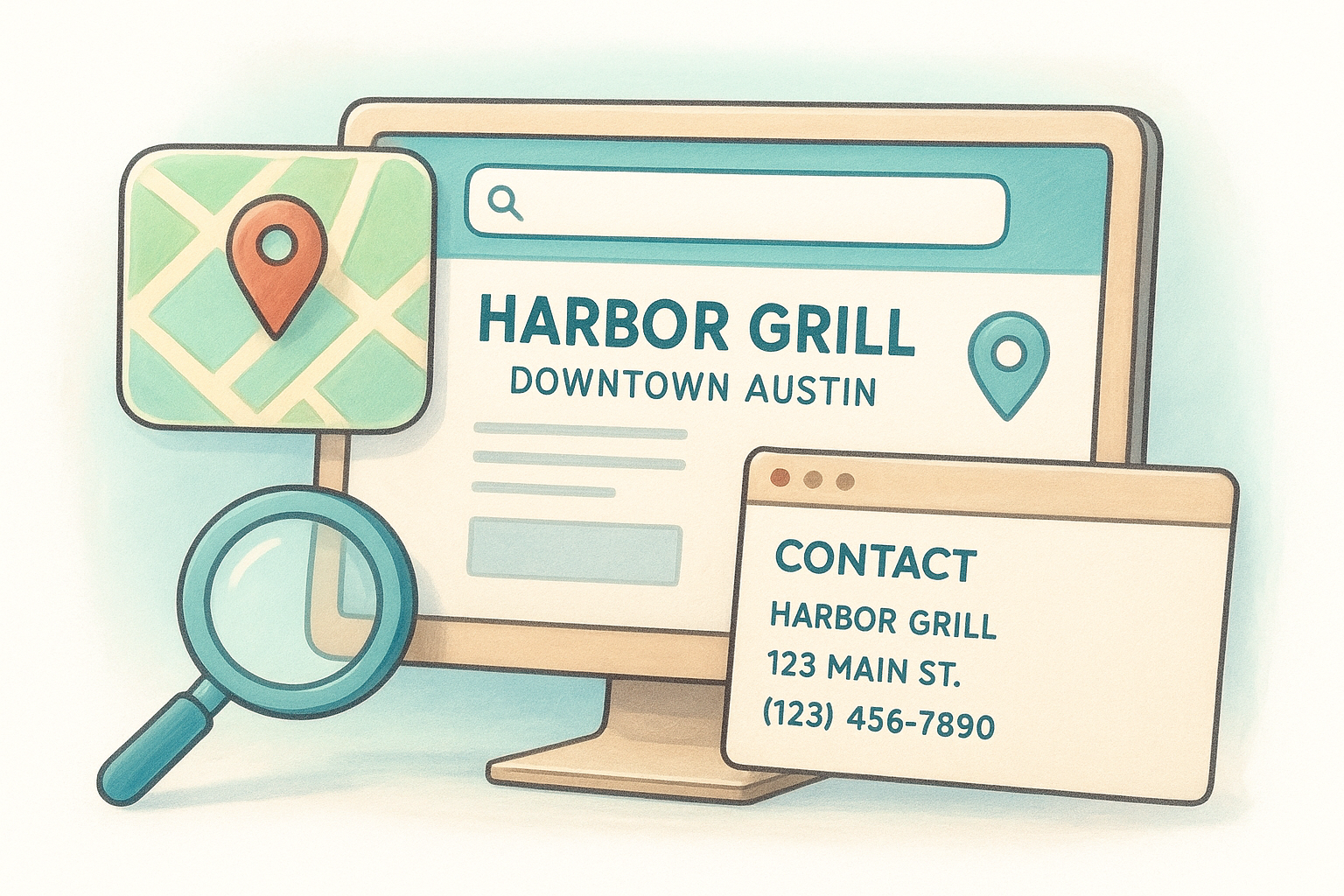
The more specific and unique each location page is, the better chance that page has of ranking for searches tied to that specific neighborhood or city.
Every location page should include these elements in crawlable HTML text, not inside images or embedded maps:
- Full business name, address, and phone number (NAP) formatted consistently across every page and matching your Google Business Profile exactly
- Location-specific page title , for example: "Harbor Grill Downtown Austin | Seafood Restaurant"
- H1 heading that includes the city or neighborhood , like "Fresh Seafood in Downtown Austin"
- Embedded Google Map pulled directly from Google Maps for that specific address
- Business hours listed as plain text so search engines and voice assistants can read them without guessing
Connect Google Business Profile to your website
Your Google Business Profile is the listing that appears in Google's local pack, those three business results that show up before the regular search results when someone searches nearby. Connecting it properly to your website reinforces your location signals and helps both rank better together. Claim your profile at Google Business Profile and make sure the website URL you enter points to the specific location page, not just your homepage.
Consistency between your profile and your website matters more than most people realize. Your business name, address, phone number, and hours should match character for character across both. A period after "St" on your website but not on your profile is enough inconsistency to create a minor trust gap that, multiplied across multiple locations, adds up to a real rankings penalty.
Step 7. Launch, measure, and keep it updated
Publishing your site is not the finish line. Most of the value you build when you learn how to build a restaurant website comes from what happens after launch: fixing what isn't working, tracking what drives customers to your door, and keeping your content accurate so visitors never arrive expecting something you no longer offer.
Run a pre-launch checklist before going live
Before you flip your site from draft to published, run through a final check so nothing embarrassing slips through to your first real visitors. A broken link on your menu page or a missing phone number on your locations page costs you customers from the moment the site goes live.
Here's a launch checklist to work through before publishing:
- All internal links point to the correct pages
- Phone numbers and addresses are accurate for every location
- Online ordering and reservation forms submit successfully
- All images load correctly on both desktop and mobile
- SSL certificate is active (your URL shows https://)
- Google Business Profile URL points to the correct location page
- Page titles and meta descriptions are filled in for every page
Connect analytics so you can see what works
Google Analytics 4 and Google Search Console are the two tools you need connected before your first visitor arrives. Analytics shows you which pages people visit, how long they stay, and where they drop off before completing a booking or order. Search Console shows you which search terms bring people to your site and flags any technical errors that block Google from indexing your pages correctly. Set both up through Google Search Console.
The data you collect in your first 90 days after launch gives you a clear picture of which pages convert visitors and which ones need work.
Track conversion events specifically , not just page views. Configure a goal in Analytics for every completed reservation form submission and every click on your online ordering button so you can measure actual revenue-driving actions, not just traffic volume.
Keep your content accurate after launch
Outdated menus and wrong business hours are the fastest way to lose customer trust after you've worked hard to earn it. Set a recurring reminder at least once a month to review every location's hours, menu items, and prices. Update seasonal promotions as they change and remove anything you no longer offer so every visitor gets accurate, current information every time they check your site.
Quick wrap-up
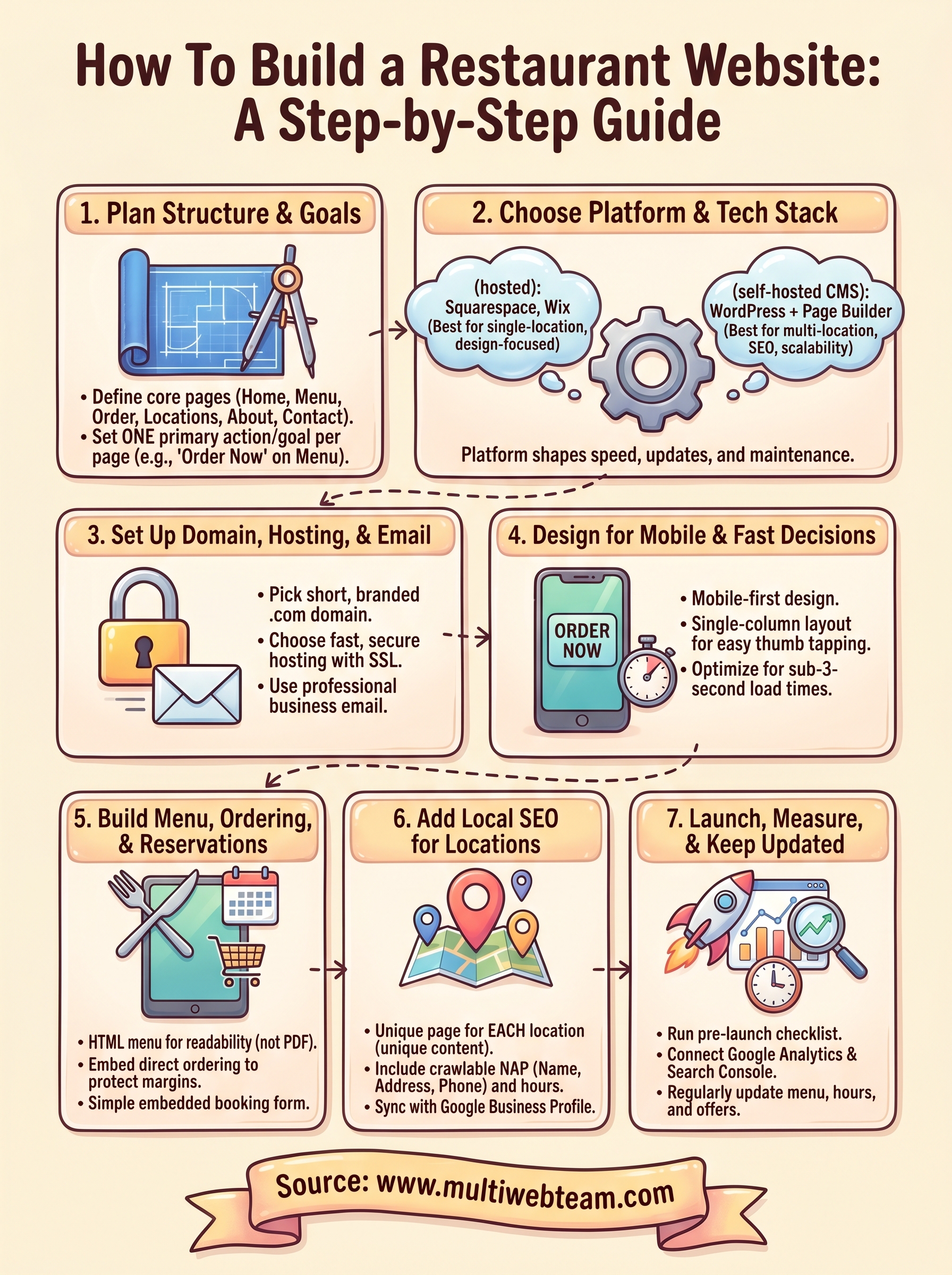
Building a restaurant website comes down to seven decisions made in the right order. Plan your structure first , then pick a platform that fits your scale, lock in your domain and hosting, and design every page for mobile visitors making fast decisions. From there, build your menu and ordering flow around the customer's path to conversion, optimize every location page for local search, and launch with analytics in place so you know what's working from day one.
Knowing how to build a restaurant website is half the work. Keeping it accurate, measuring what converts, and updating it consistently is what separates a site that drives real revenue from one that just occupies a URL. If you manage multiple locations and want a dedicated team handling design, updates, and local SEO for you, Multi Web Team builds and manages restaurant websites so you can stay focused on running your business.










