
10 Google Business Profile Best Practices for Local SEO
Your Google Business Profile is often the first thing potential customers see when they search for your business, or for the services you offer near one of your locations. Get it right, and you show up where it matters most. Ignore it, and you're handing visibility to competitors. Understanding Google Business Profile best practices is especially critical for multi-location businesses, where each location needs its own optimized listing to rank in local search results .
The problem? Google doesn't exactly hand you a playbook. Settings get buried, features change, and what worked two years ago might not cut it now. That's the kind of challenge we deal with daily at Multi Web Team, where we manage local SEO and web presence for multi-location businesses and franchises across the country. We've seen firsthand what moves the needle, and what's a waste of time.
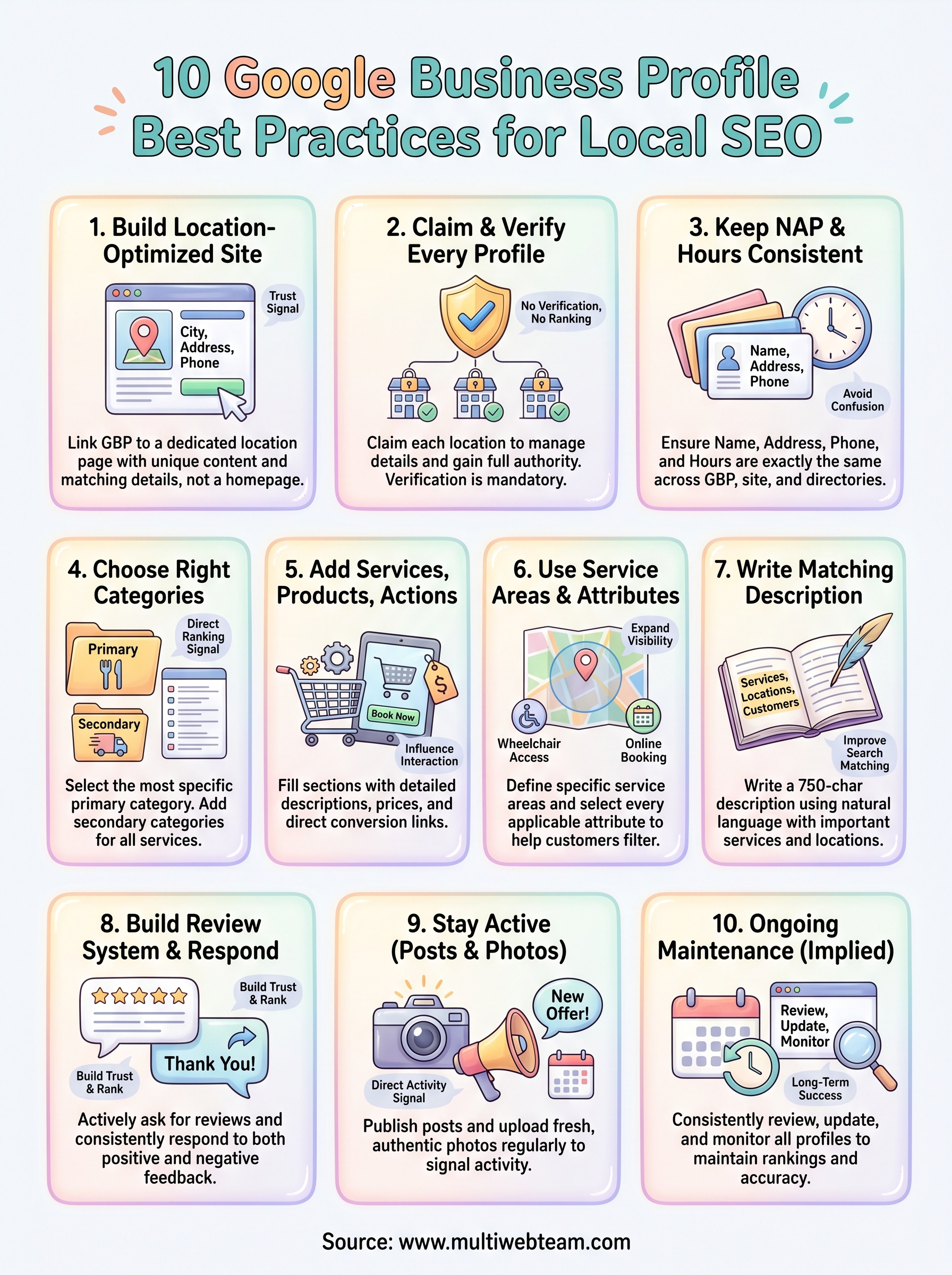
This guide breaks down 10 actionable best practices to help you set up, optimize, and maintain your Google Business Profile the right way. Whether you're managing two locations or two hundred, these steps will help each one attract more local customers and perform better in Google's local pack .
1. Build a location-optimized site that supports GBP
Your Google Business Profile doesn't operate in isolation. Google cross-references your profile with your website to confirm that your business is legitimate and relevant for local searches. A weak or generic website undermines even the most carefully filled-out GBP listing, so your site and your profile need to work together.
What to do
Create a dedicated landing page for each location on your website. Each page should include the location's full name, address, phone number, and hours in plain HTML text, not embedded in an image. Add location-specific content like neighborhood references, local testimonials, and a clear description of the services offered at that specific address.
Why it matters for rankings
Google uses your website as a trust signal when deciding how prominently to show your GBP listing in local results. If your site doesn't clearly reference a location, or buries the address in a footer, Google has less confidence that the listing is accurate and relevant. Strong, location-specific pages reinforce your profile's relevance for "near me" and city-based searches, which is where the real local traffic comes from.
A dedicated location page with matching name, address, and phone number is one of the most direct ways to strengthen your GBP's authority in local search.
Multi-location playbook
Build a consistent page template you can replicate across every location. Each page should follow the same structure but use content that is unique to that location. Avoid copying and pasting the same body text from page to page. Google treats thin or duplicate content as a weak signal, so differentiate each location page with local details, photos, and specific service information, even if the differences feel minor.
Common mistakes
Many businesses link their GBP listing directly to their homepage rather than a specific location page. This dilutes relevance for any individual location and makes it harder for Google to connect your profile to the right content. Another frequent error is displaying the address as an image, which search engines cannot read or verify.
How to check your work
Open each location's GBP listing and click the linked website URL. Confirm it lands on a dedicated location page , not the homepage or a generic contact page. Then verify that the address, phone number, and hours on that page exactly match your GBP listing . Run the page through Google Search Console to confirm it is indexed and earning impressions for local queries.
2. Claim and verify every location profile
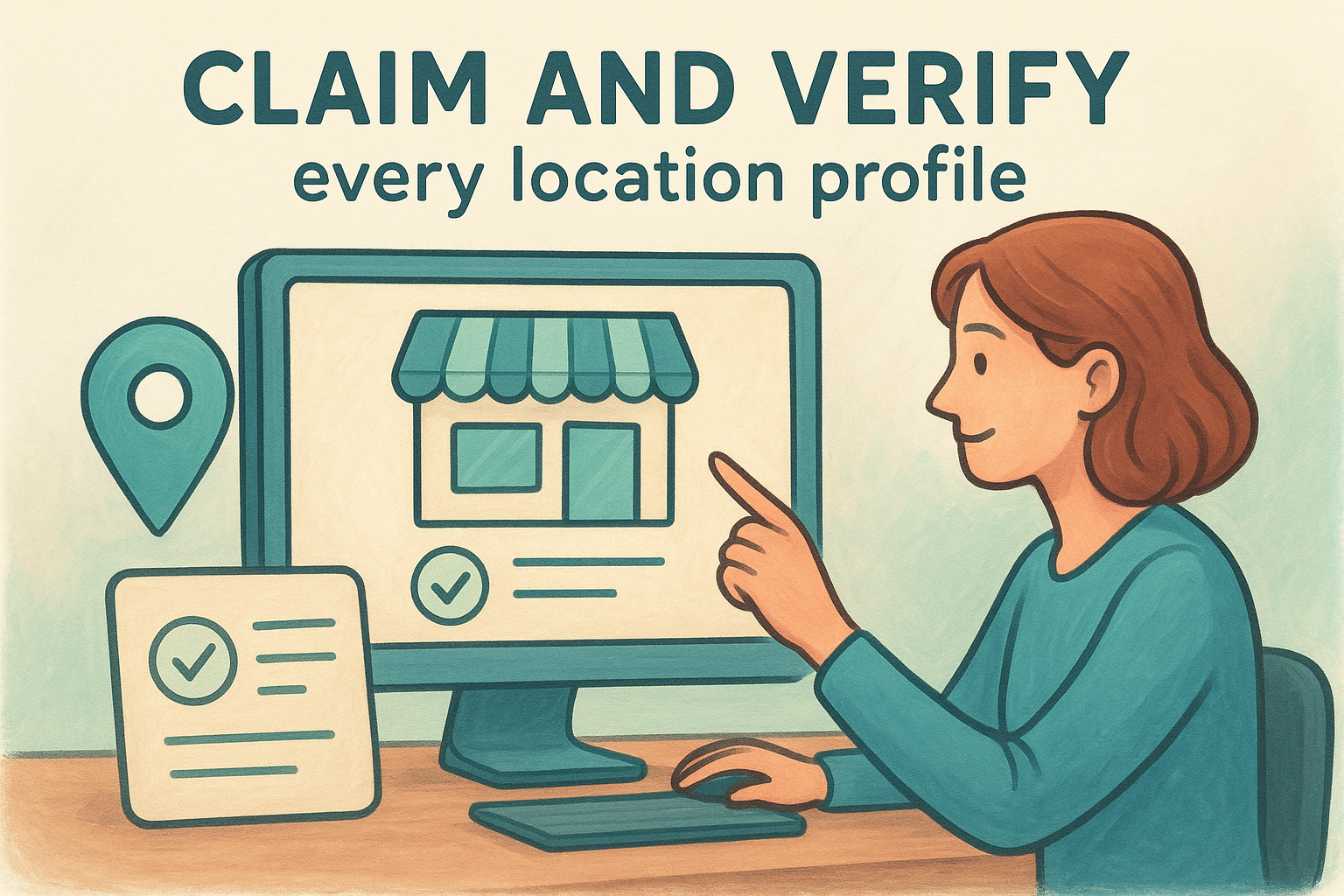
A Google Business Profile that nobody has claimed is vulnerable to inaccurate information, or worse, someone else taking control of it. Claiming and verifying each listing is the step that gives you full authority to manage details, respond to reviews, and make updates across every location you operate .
What to do
Go to Google Business Profile Manager and search for each of your locations by name and address. If a listing already exists, claim it. If it doesn't, create one from scratch. Once claimed, complete the verification process using your preferred method: postcard, phone, email, or video verification , depending on what Google offers for your business type.
Why it matters for rankings
Google only surfaces verified listings in local search results and Google Maps. An unverified profile is invisible to potential customers searching nearby. Verification also signals to Google that a real, legitimate business operates at that address, which contributes directly to your local ranking authority.
Unverified listings don't appear in local results, so verification isn't optional if you want to compete in local search.
Multi-location playbook
Use a single Google account or organization account to manage all your locations centrally. Google allows bulk verification for businesses with ten or more locations, which saves significant time. This is one of the most overlooked Google Business Profile best practices for growing franchises.
Common mistakes
Many businesses accidentally create duplicate listings when they can't find an existing profile during setup. Duplicate listings split your reviews and ranking signals across multiple entries, which weakens all of them.
How to check your work
Log into your Google Business Profile dashboard and confirm every location shows a verified badge. Any location marked as "pending" or "suspended" needs immediate attention before it can appear in search results.
3. Keep name, address, phone, and hours consistent
NAP consistency, which stands for name, address, and phone number , is a foundational local SEO signal. Google compares your business details across your GBP listing, your website, and dozens of third-party directories to confirm your business is real and correctly located. Any mismatch between these sources creates confusion for both Google and potential customers trying to reach you.
What to do
Use the exact same format for your business name, address, and phone number everywhere it appears online. If your GBP listing says "Suite 200," your website and every directory listing should also say "Suite 200," not "Ste. 200" or "#200." Also make sure your business hours stay current and reflect holiday schedules, seasonal changes, and any location-specific differences.
Why it matters for rankings
Google uses NAP consistency as a trust signal . When your information matches across your website, GBP, and third-party directories, it reinforces that your business is accurately represented and operating at the listed address.
Inconsistent NAP data across even a handful of directories can suppress your local rankings and reduce your chances of appearing in the local pack.
Multi-location playbook
Maintain a master spreadsheet with the verified name, address, phone number, and hours for every location. Treat it as your single reference point whenever you update a listing, submit to a new directory, or onboard staff who handle web inquiries.
Common mistakes
Businesses frequently let hours fall out of date, especially around holidays or seasonal schedule changes . Outdated hours drive negative reviews when customers arrive at a closed location, which damages both your reputation and your local rankings.
How to check your work
Search each location's full business name and address on Google to pull up the Knowledge Panel. Compare every detail against your master spreadsheet and your website's location page, then correct any discrepancy immediately.
4. Choose the right primary and secondary categories
Your business category is one of the most direct ranking signals in your GBP listing. Google uses it to decide which searches your profile is eligible to appear for , so getting this right is not optional.
What to do
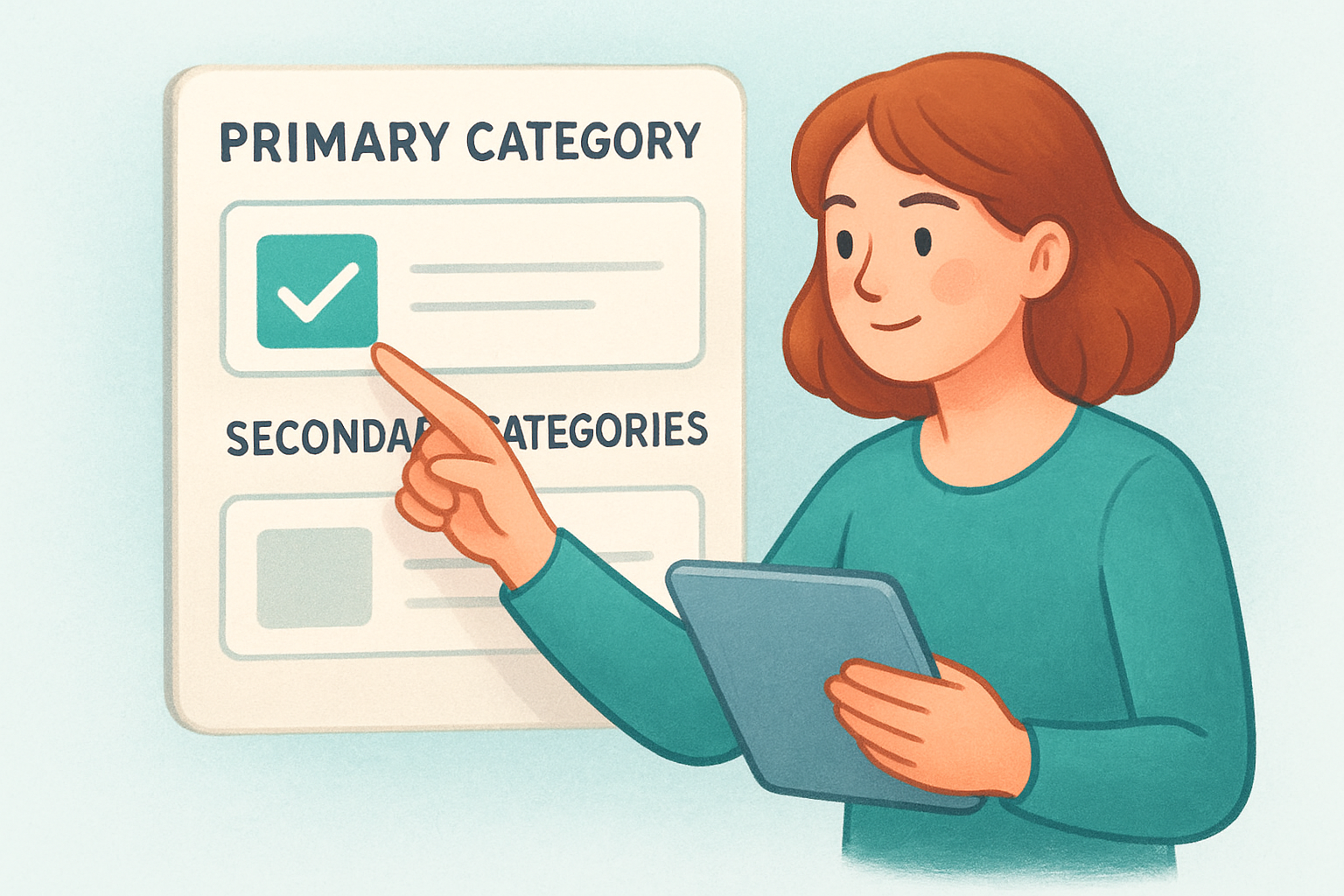
Log into your Google Business Profile and select a primary category that describes exactly what your business does, not what you sell or what makes you unique. Use Google's built-in search to find the most specific category available . Then add secondary categories that cover additional services you offer at that location.
Why it matters for rankings
Your primary category tells Google which searches to match your profile against. A vague or slightly off category means you miss searches that should be sending customers to you. Following this step is one of the most impactful google business profile best practices you can implement quickly with lasting results .
The primary category carries more ranking weight than any secondary category, so get it right before adding anything else.
Multi-location playbook
Each location may offer a different mix of services , so resist the urge to copy categories from one profile to the next without reviewing them. A franchise location focused on delivery might need a different primary category than one that emphasizes dine-in service.
Common mistakes
Many businesses select a broad category like "Restaurant" when a more specific option exists. Broader categories increase your competition and reduce your relevance for the exact searches that drive customers through your door.
How to check your work
Search for your business type on Google Maps and review the categories used by top-ranked competitors in your area. If their primary category differs from yours, investigate whether switching would better represent your services.
5. Add services, products, and conversion actions
Your Google Business Profile gives you dedicated sections to list what you actually sell and make it easy for customers to take the next step. Most businesses leave these sections empty, which is a missed opportunity to influence how customers interact with your listing before they even visit your website.
What to do
Open your profile and navigate to the Services or Products tab , depending on your business type. Add each service or product with a name, description, and price (if applicable). Then set up conversion actions like booking links, order links, or request-a-quote buttons, which Google surfaces directly in your listing for high-intent searches.
Why it matters for rankings
Google uses the content in your services and products sections to match your profile against more specific search queries . A listing that clearly describes what you offer gives Google more signal to work with, which improves your eligibility for relevant searches beyond your primary category.
Detailed service listings expand the range of searches your profile can rank for without requiring any changes to your website.
Multi-location playbook
Each location may carry different services or product lines , so customize these sections per profile rather than duplicating one generic list across all locations. This is one of the google business profile best practices that directly benefits multi-location businesses when applied at the individual location level.
Common mistakes
Many businesses add service names without descriptions. A name like "Oil Change" tells Google very little, while a brief sentence describing the service gives Google the context it needs to match your listing to longer, more specific queries.
How to check your work
Search your business on Google and review your listing as a customer would . Confirm that services, products, and any booking or order links display correctly and lead to the right destination on your site.
6. Use service areas and attributes the right way
Service areas and attributes are two underused sections in your Google Business Profile that can significantly expand your local visibility and help customers quickly decide if your business fits their needs. Both sections take less than ten minutes to complete, but most businesses skip them entirely.
What to do
In your profile settings, add the specific cities, zip codes, or regions you serve beyond your physical address. Under the Attributes section, select every applicable option, such as "wheelchair accessible," "women-owned," or "online appointments." These details surface directly in your listing for customers who filter by them on Google Maps.
Why it matters for rankings
Google uses your service area data to determine which location-based searches your profile qualifies for, even when a searcher isn't physically near your address. Attributes shape how customers filter results , so missing ones means missing customers who use those filters to narrow their options.
Filling out every relevant attribute takes minutes but can put your listing in front of customers who would otherwise never find you.
Multi-location playbook
Each location likely serves a different geographic footprint , so set service areas individually rather than applying one blanket region across all profiles. This is one of the google business profile best practices that directly affects how many zip codes and neighborhoods each location can rank and compete in .
Common mistakes
Businesses often define a service area that's too broad , which dilutes your relevance and signals to Google that your listing isn't specific enough for any single market.
How to check your work
Review each profile's service area settings and attributes quarterly. Google regularly adds new attribute options, and your service boundaries or offerings may shift as your business grows.
7. Write a business description that matches searches
Your business description gives Google a direct window into what you do and who you serve. It also gives customers a reason to choose you over the next listing. Most businesses treat this field as an afterthought, which is a straightforward way to fall behind competitors who take it seriously.
What to do
Write a 750-character description (Google's maximum) that leads with your most important services and the locations you serve. Use the natural language your customers actually type when they search, not formal business language or taglines. Mention specific services, industries, or customer types you focus on to give Google clearer matching signals.
Why it matters for rankings
Google scans your description to better understand your business and match your profile to relevant searches . A description packed with accurate, specific language expands the searches your listing competes for, which is one of the more overlooked google business profile best practices available to you without any technical effort.
Your description reinforces what your categories and services already tell Google, so every relevant detail you include compounds your visibility.
Multi-location playbook
Write a unique description for each location rather than copy-pasting one version across every profile. Reference the specific neighborhood, city, or customer base that location serves to strengthen its relevance for local searches in that area .
Common mistakes
Many businesses open their description with their company name or founding year. Both waste valuable space that should be used to describe what you offer and who benefits from it.
How to check your work
Read your description out loud and confirm every sentence answers either "what do you do" or "who do you serve." If a sentence does neither, replace it with something that does.
8. Build a review system and respond consistently
Reviews are one of the strongest local ranking signals Google uses, and they directly influence whether a potential customer chooses your business over a competitor listed right next to you. Having a process to generate and respond to reviews consistently is one of the most impactful google business profile best practices you can put in place.
What to do
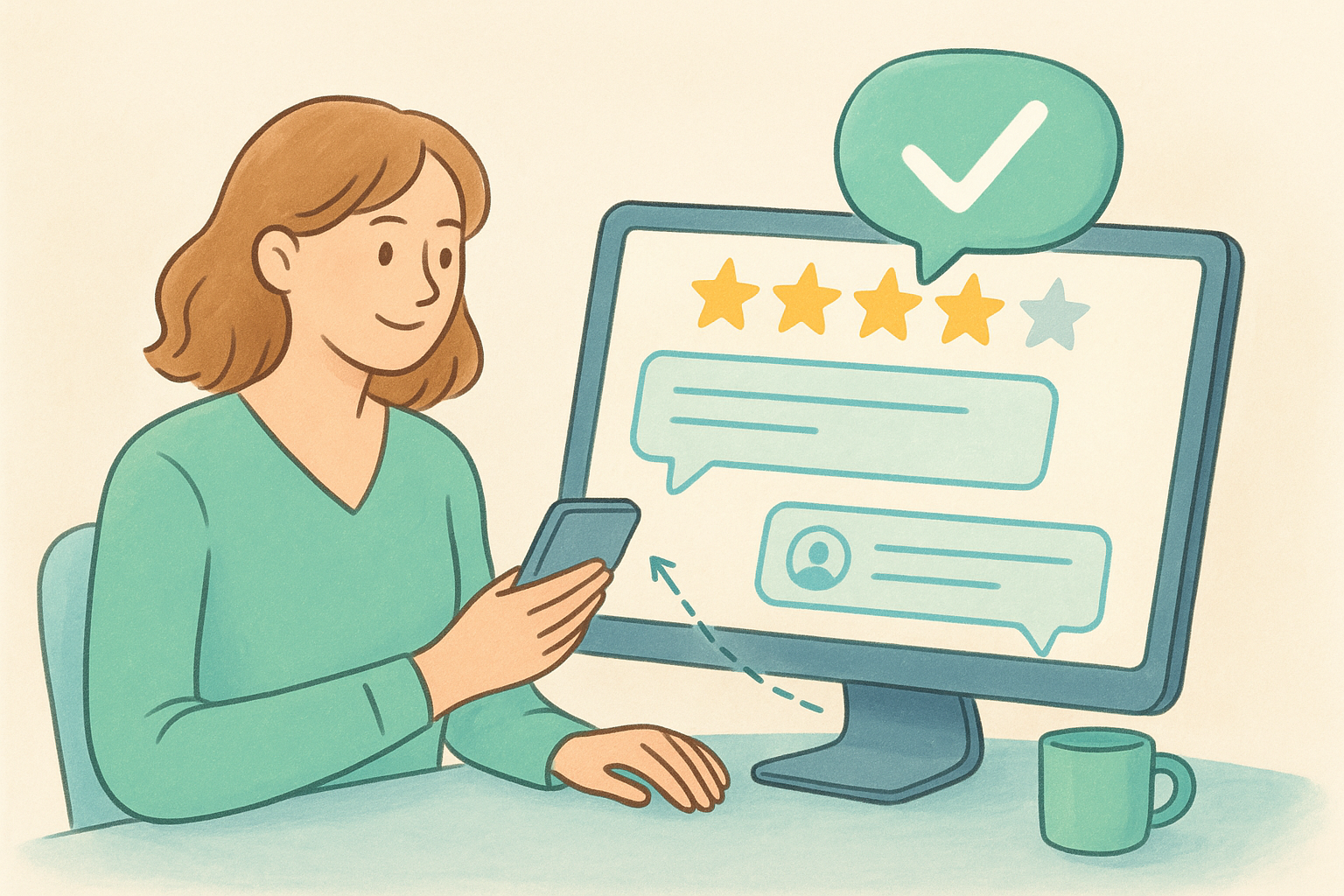
Ask every satisfied customer to leave a review by sending a direct link to your GBP review form , which you can generate inside your profile dashboard. Make the ask simple: send it via text, email, or a follow-up receipt immediately after a positive interaction.
Why it matters for rankings
Google treats review volume, recency, and your response rate as signals of an active, trustworthy business. Profiles with steady, recent reviews consistently outrank profiles with older or fewer reviews, even when other factors are similar.
Responding to every review, including negative ones, signals to Google that your business is actively managed, which supports your local ranking.
Multi-location playbook
Assign a specific person at each location to monitor and respond to reviews. Centralized oversight helps, but local response ownership ensures replies stay timely and relevant to what actually happened at that location.
Common mistakes
Many businesses only respond to negative reviews and ignore positive ones. Skipping responses on positive reviews leaves engagement on the table and reduces your overall response rate, which Google tracks.
How to check your work
Log into your GBP dashboard monthly and review your response rate and average rating per location. Flag any location below a 4.0 rating or with unanswered reviews older than seven days.
9. Stay active with posts and real photos
Google rewards active profiles over dormant ones. Consistent posts and fresh, authentic photos signal to Google that your business is operating and engaged, which directly supports your local ranking. Treat your GBP like a live channel, not a one-time setup task.
What to do
Publish a Google post at least once every two weeks using the Posts feature inside your profile. Share current promotions, events, or service updates with a clear call-to-action. For photos, upload real images taken at your actual location, including your storefront, team, and products, and aim for at least four new photos per month per profile.
Why it matters for rankings
Your profile's activity level is a direct local ranking signal . Listings that post regularly and upload recent photos consistently outperform stale profiles with outdated content. Photos also influence customer click-through rates when your listing appears in the local pack.
An active profile with recent posts and real photos builds more trust with both Google and potential customers than a completed but inactive listing.
Multi-location playbook
Give each location a simple monthly content checklist covering one post and four photos. Local staff can capture real moments on-site without needing a professional photographer, keeping your content authentic and location-specific without adding a large workload.
Common mistakes
Many businesses upload stock photos , which customers distrust and which weaken your listing's credibility. Generic imagery reduces the engagement signals that support your rankings over time.
How to check your work
Review each location's photo uploads and post history monthly inside your dashboard. Flag any profile with no post in the last 30 days as a priority fix in your broader google business profile best practices review cycle.
Next steps
These nine google business profile best practices give you a clear framework to act on, but the work doesn't stop at setup. Local search rankings shift constantly as competitors update their profiles, reviews accumulate, and Google rolls out new features. Staying consistent with updates, posts, photos, and responses is what separates businesses that hold their rankings from those that gradually slip.
If you manage multiple locations, keeping every profile accurate and active is a real operational challenge on top of everything else your business demands. That's exactly what Multi Web Team handles for growing businesses and franchises across the country. Our subscription-based model covers ongoing local SEO management and unlimited website updates, so you never have to juggle profiles across dozens of locations while also running your business. Reach out today and let us put these practices to work for every location you operate.










